Coming soonMindwave isn’t out yet.Notify me ↓
Sound begins with a little wonder.
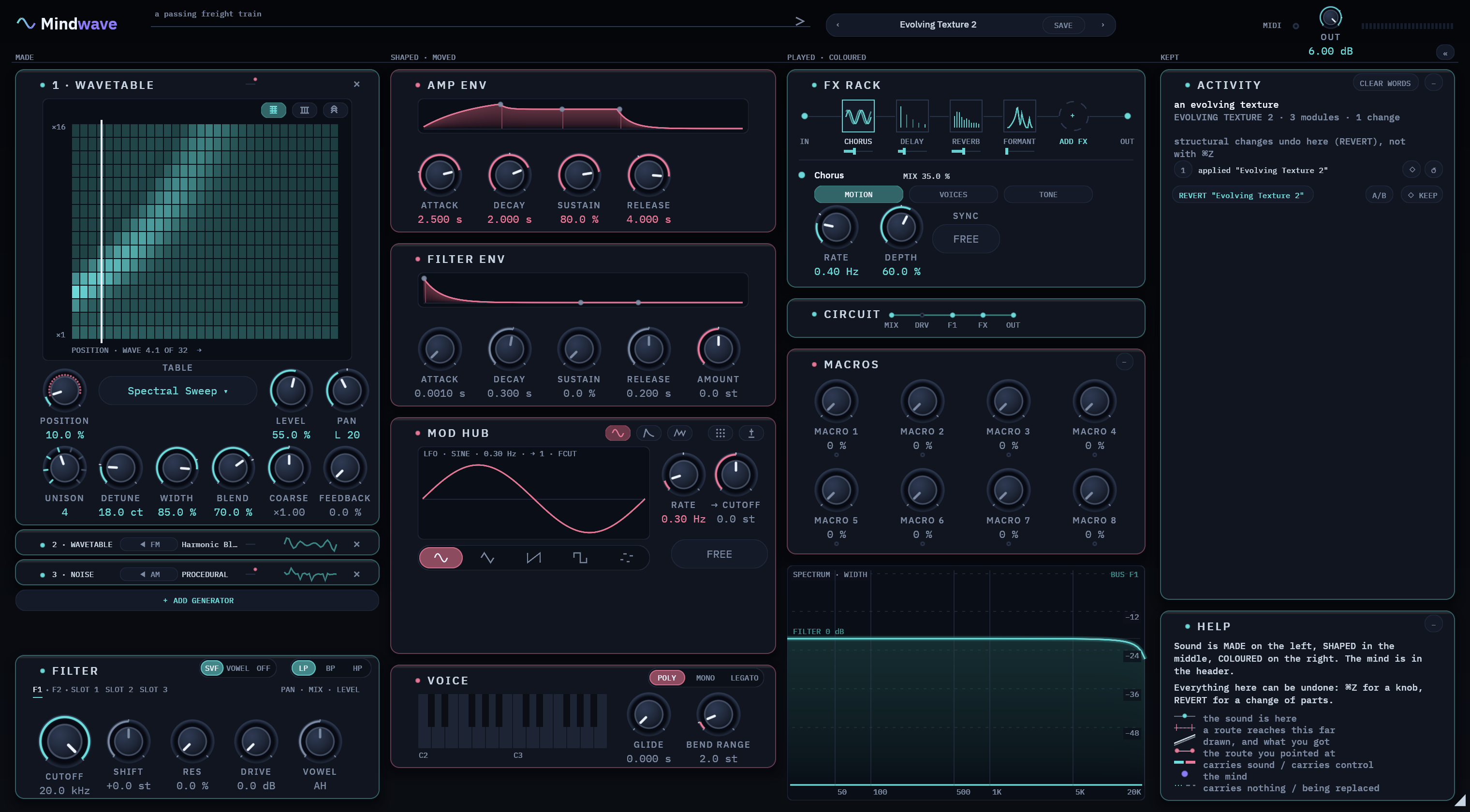
Seven engines make the sound.The AI shapes it from what you ask for.Every knob stays under your hand.
The trial is the full version for 14 days, and you don't need an account. The AI asks you to sign in the first time you use it. Your first 20 AI requests are free. After that, the AI uses prepaid credits. macOS 11+ · Apple silicon · Windows 10+ · x64 · VST3 · AU · CLAP.
Mindwave isn’t out yet.
Thanks for stopping by. We’re finishing the first version now, so you can’t download or buy it just yet.
Until then, have a look around: hear the engines, see what the AI does, and read how Mindwave is made.
Want to know the day it’s ready?
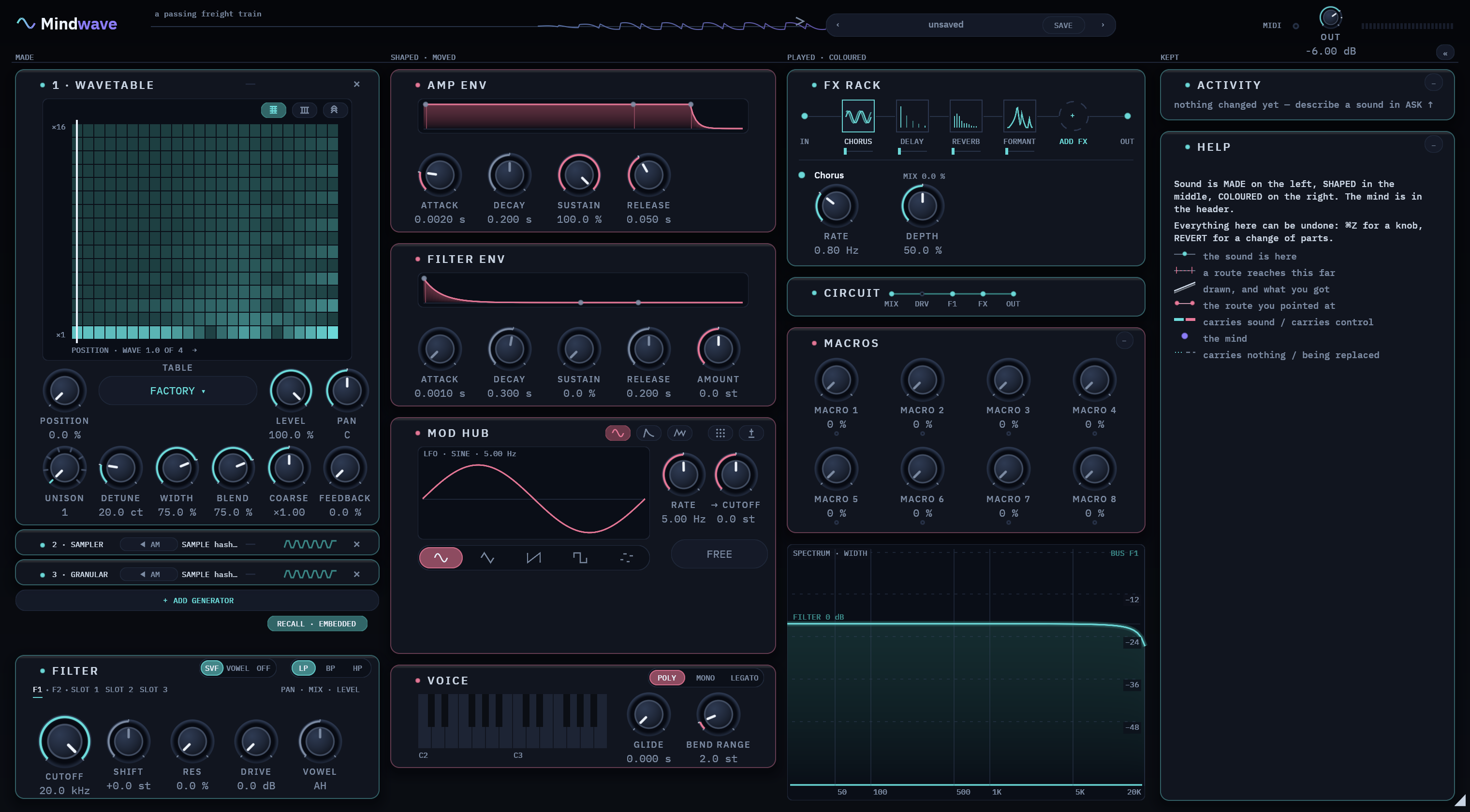
A synth you talk to. Seven engines make the sound. The AI shapes it from what you describe. Every knob stays under your control. And when something goes wrong, it tells you in one plain line.
Built from scratch in Rust. It adds no latency, and it tells your music software so.
Any music software that loads VST3, AU or CLAP plugins, such as Logic Pro, Ableton Live, Bitwig and Cubase. One install covers them all. For macOS (Apple silicon) and Windows.
Describe a sound in words. The AI suggests changes, you hear the before and after, and REVERT undoes them. It only changes settings that a normal preset can save.
One person in India, who judges every sound by ear first and measures it second. The journal tells the story of how it’s made.
Seven ways to make a sound, in a rack with four slots.
Wavetables, band-limited
Draw your own table or load one. Every voice shares it.
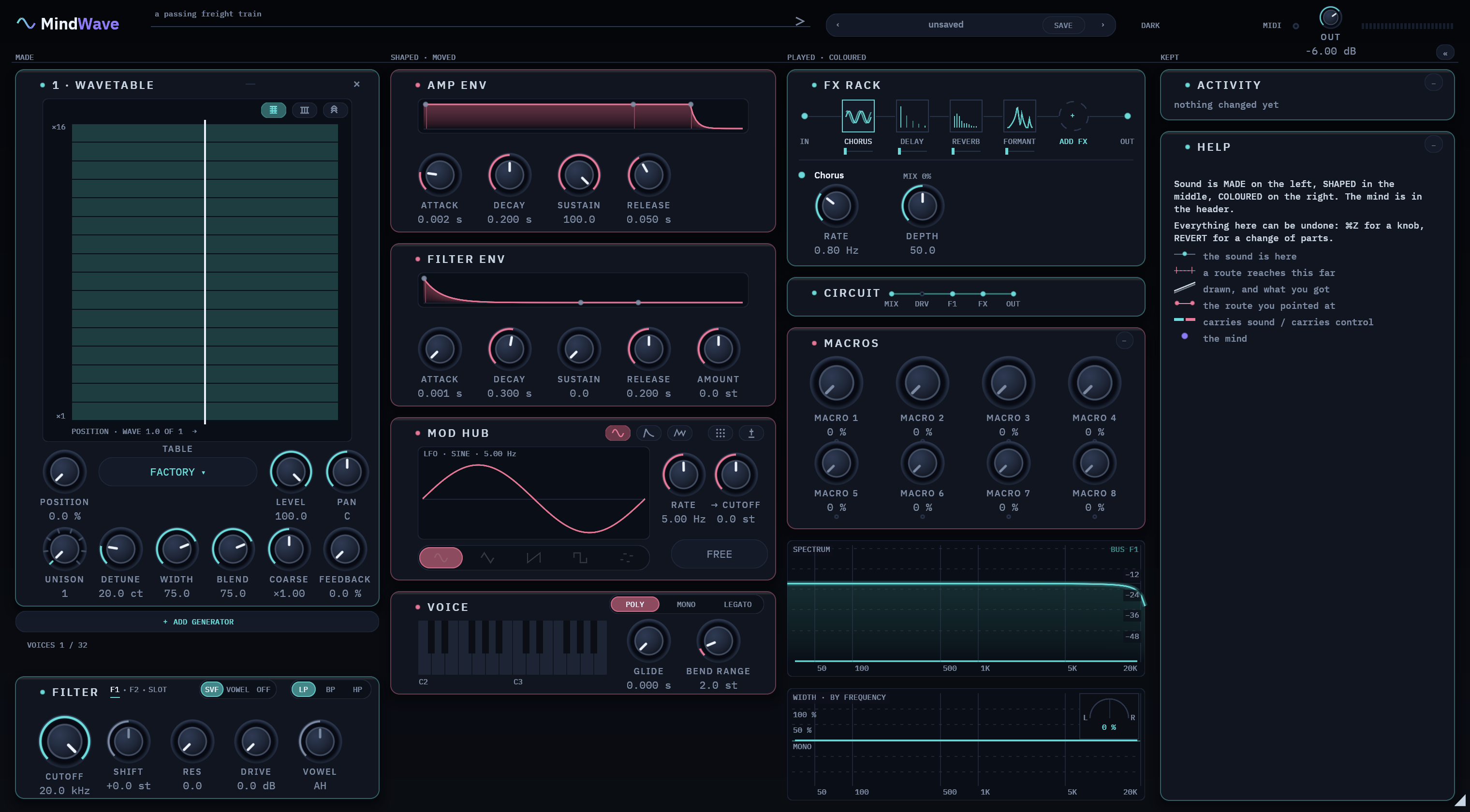
Your own audio
Your sample is saved inside the patch, so your project always opens with it.
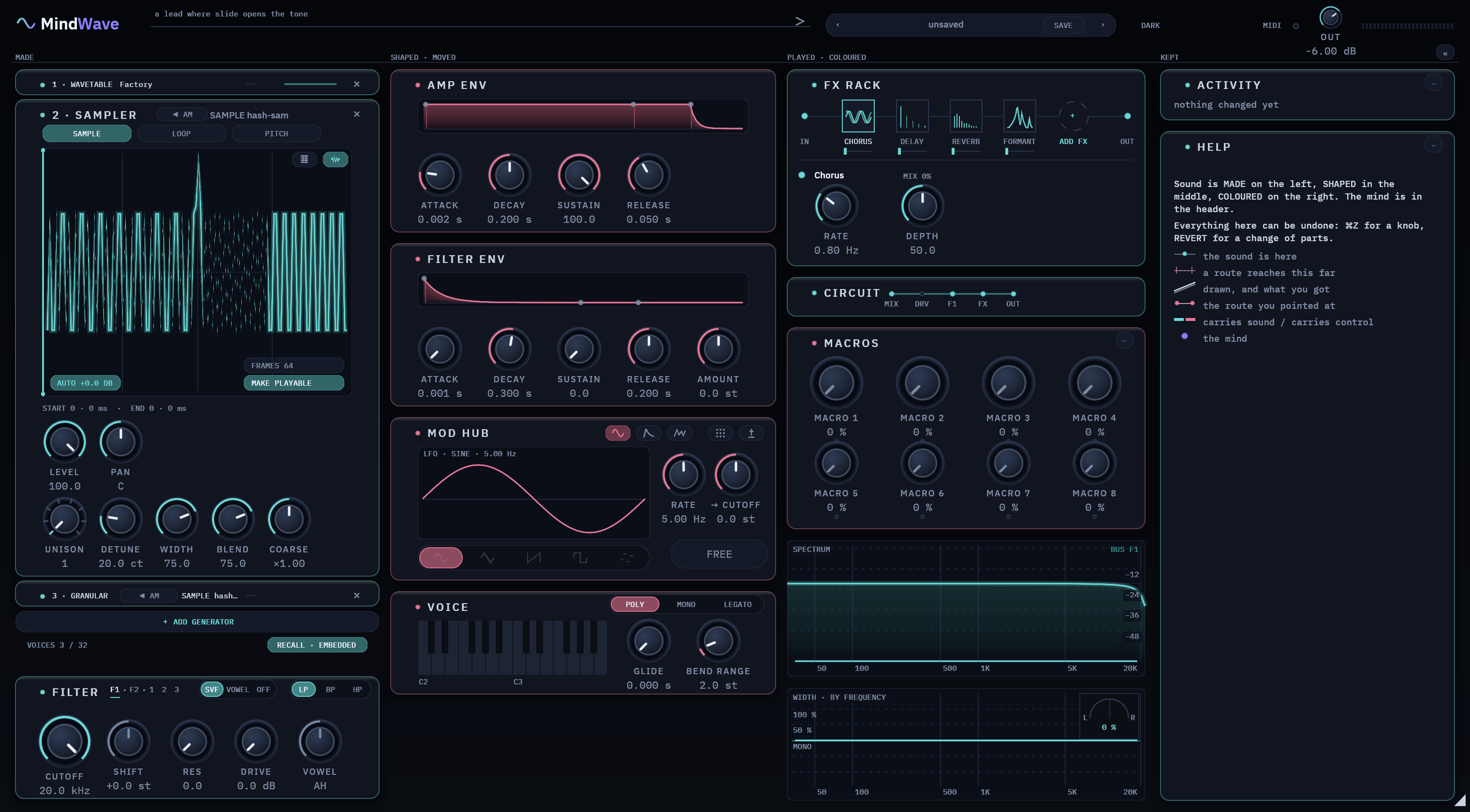
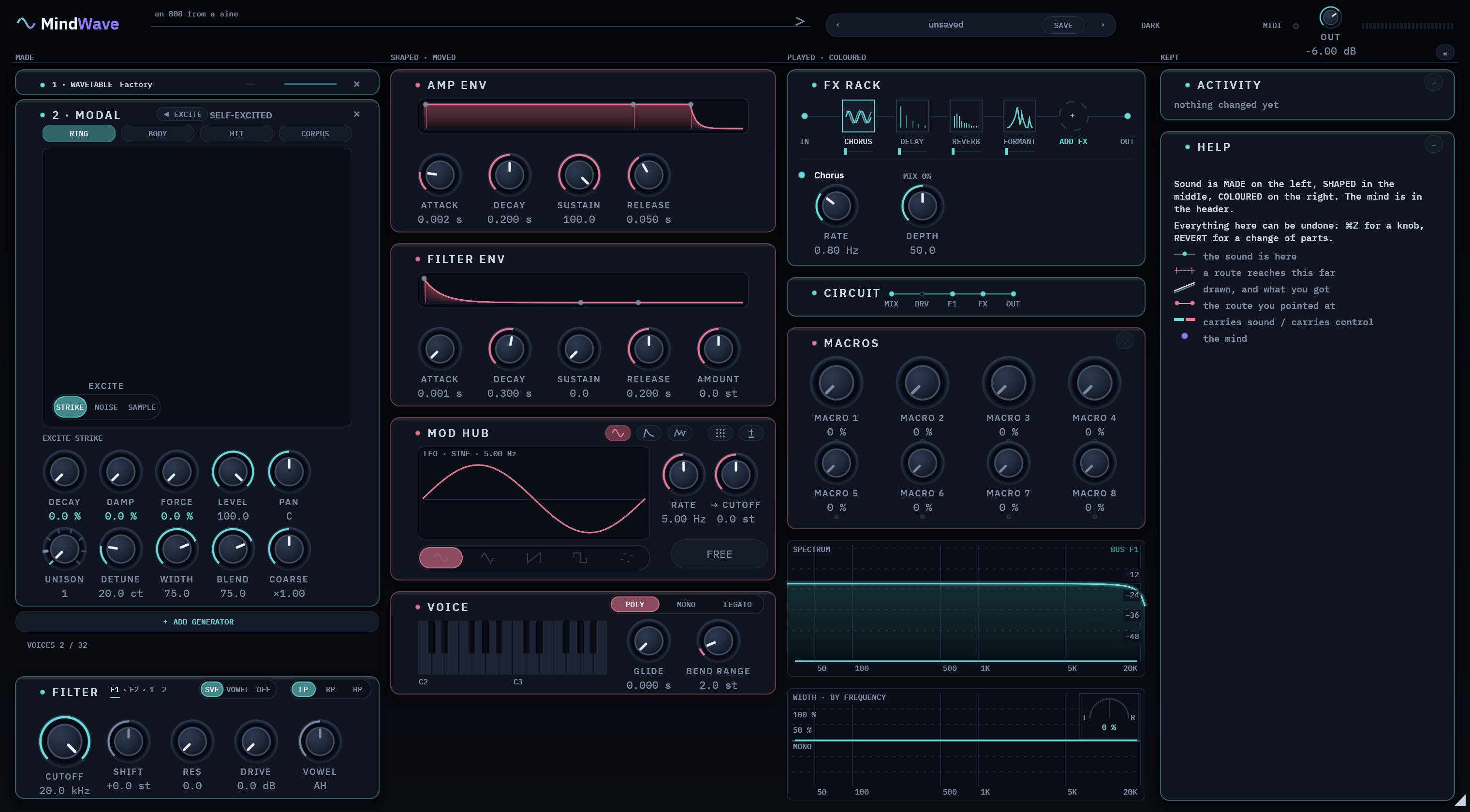
Materials that ring
Strike, bow or pluck it. On screen, the taller the shape, the longer it rings.
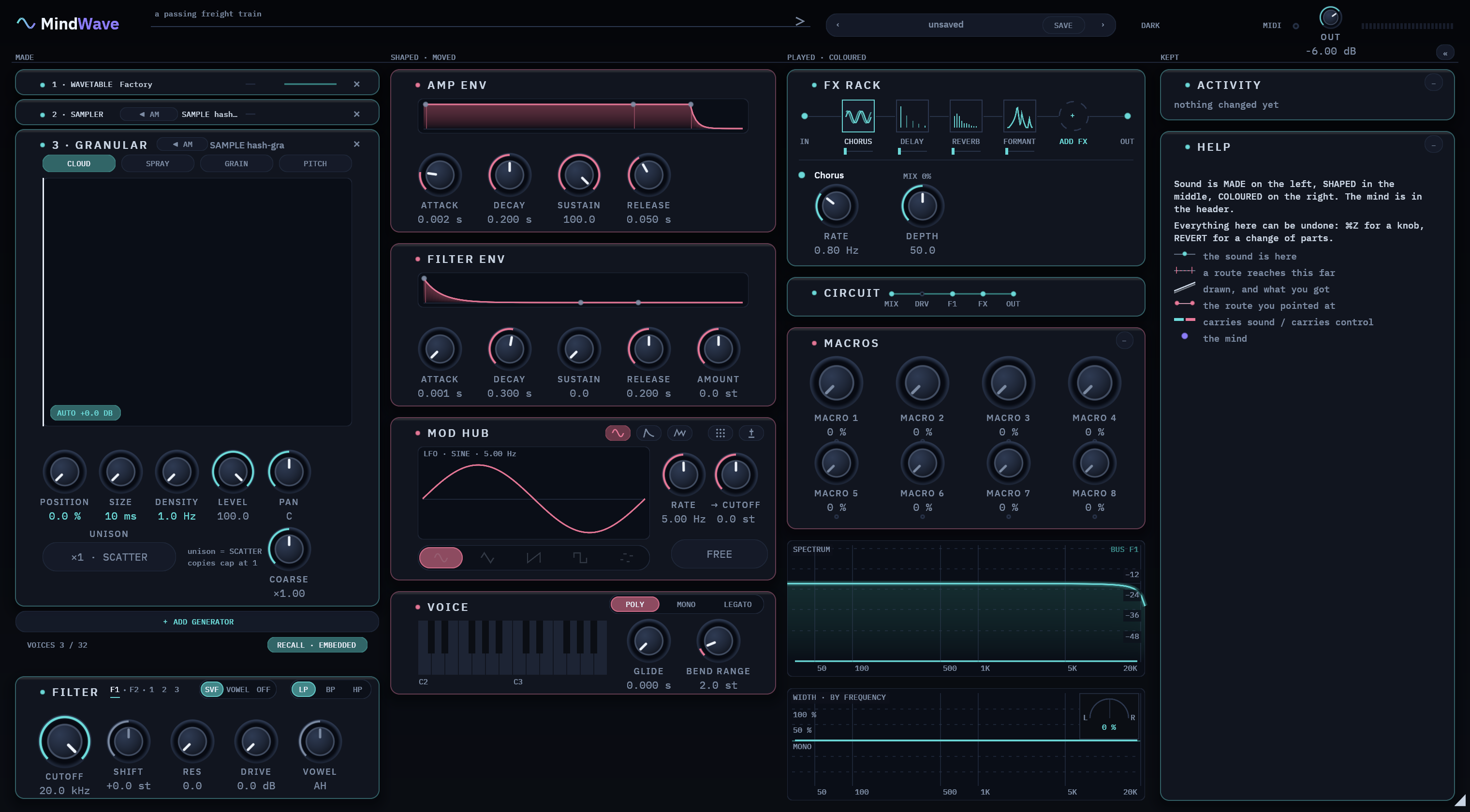
Clouds of your sample
Splits your sample into tiny grains and plays them as a cloud. Each grain keeps the settings it started with.
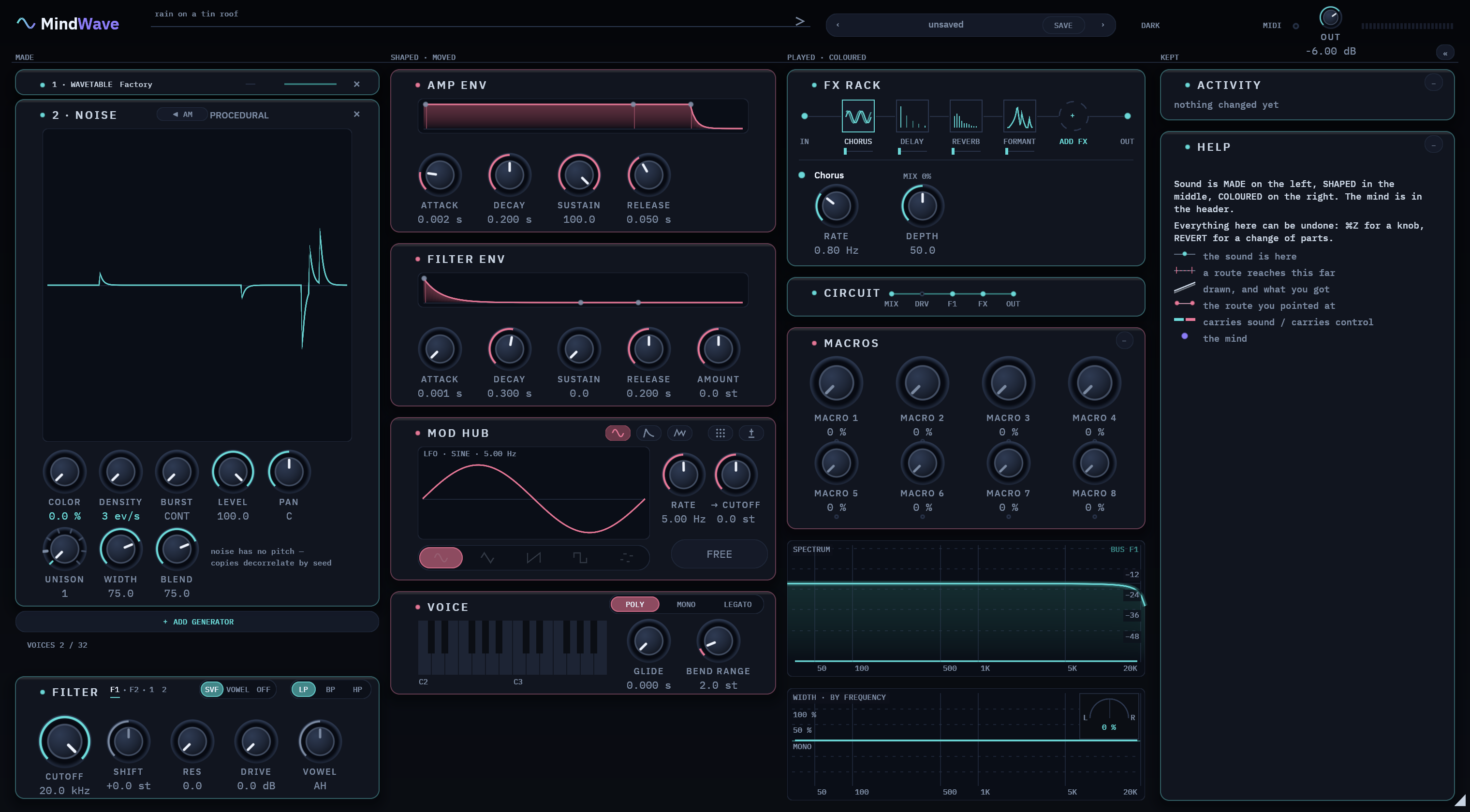
Noise in any colour
Made fresh as it plays, from the colour you set. It is never a recording.
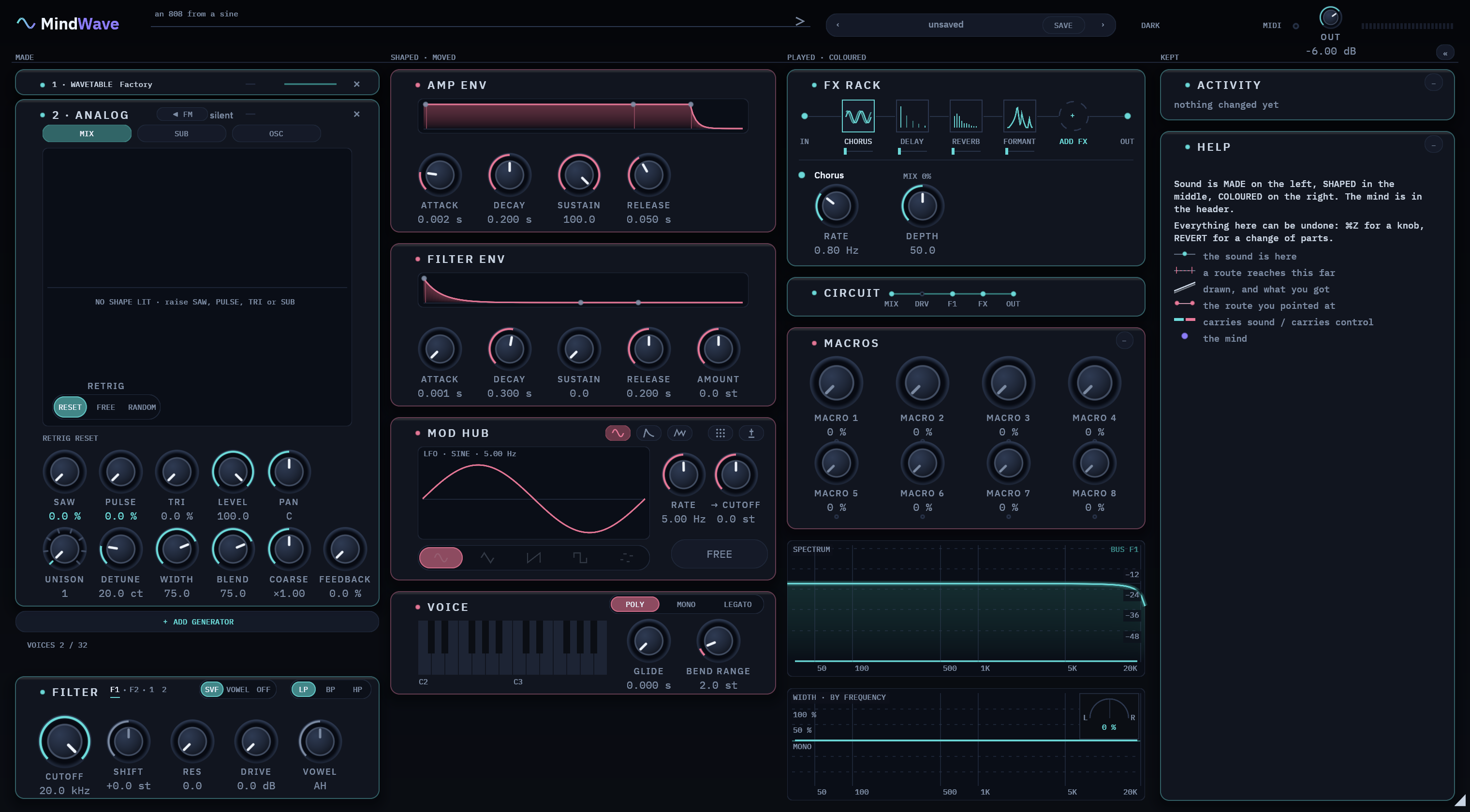
Analog-style oscillators
A main oscillator, a second one synced to it, and a sub. Small stacks drift a little.
Sounds rebuilt from sine waves
Rebuilds a sound from an audio file out of simple sine waves. Each bar on screen is one of them.
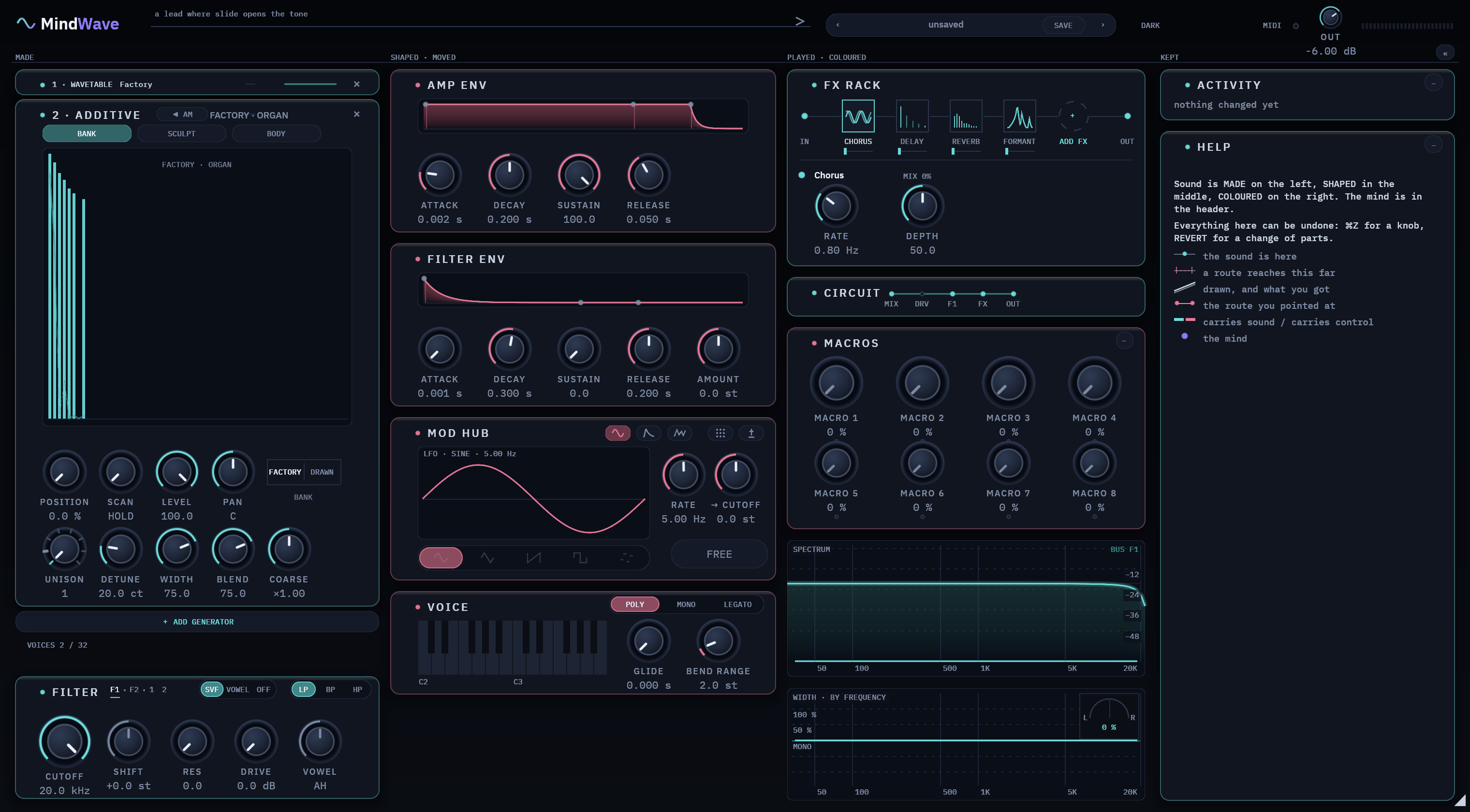
ENGINES · Wavetable · Sampler · Modal · Granular · Noise · Analog · Additive
FILTERS · one filter per slot (FILTER 1, FILTER 2) · every TYPE in every MODE, VOWEL included · drive before or after the filter
Ten effects, in a chain you arrange yourself.
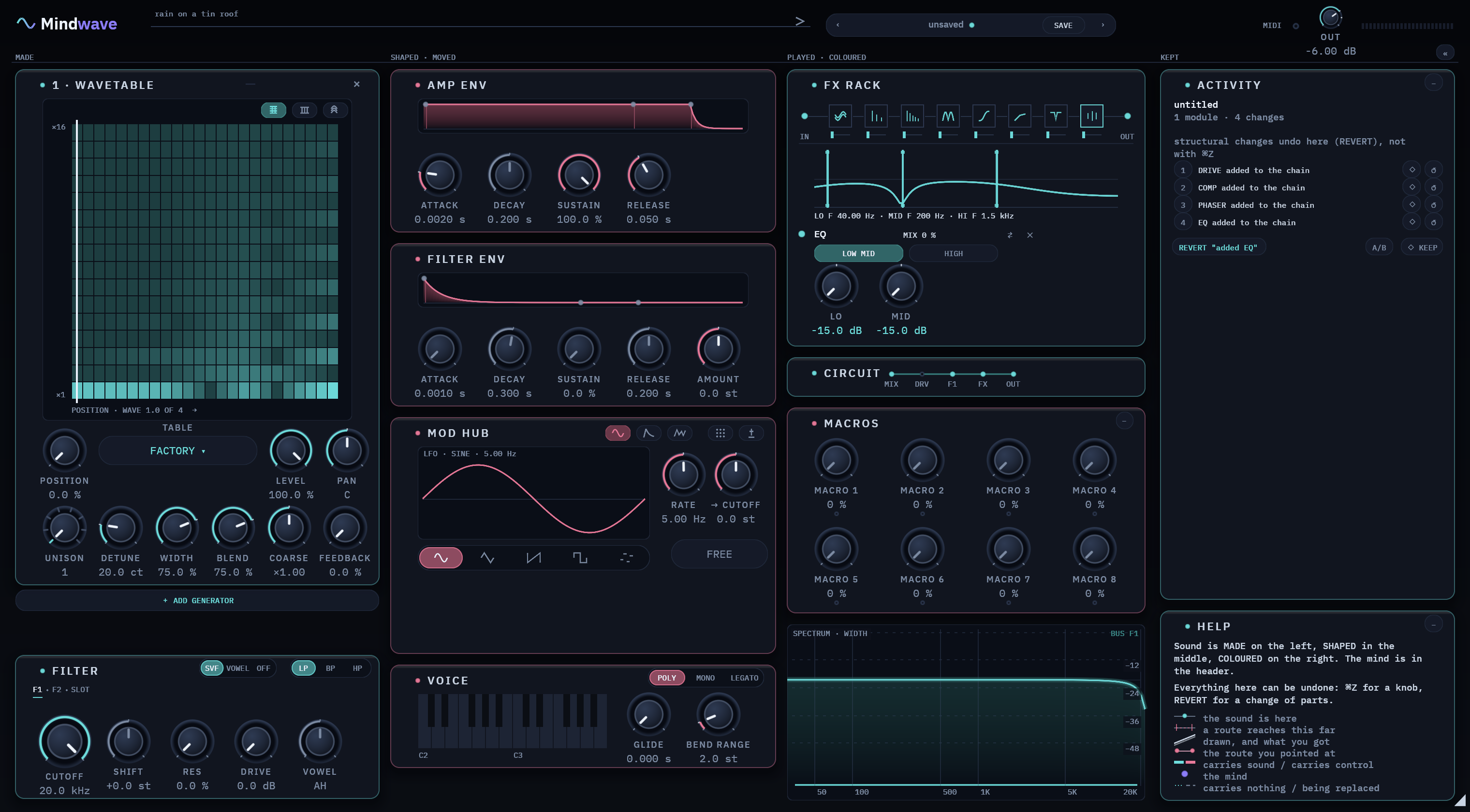
- Chorus, Delay, Reverb and Formant are always in the chain. 4 more seats take any other effect, or a second Chorus, Reverb or Formant.
- Drag an effect by its grip to change the order. The sound follows the order you see.
- Switch an effect off and any echo or reverb tail it was playing rings out, instead of stopping dead.
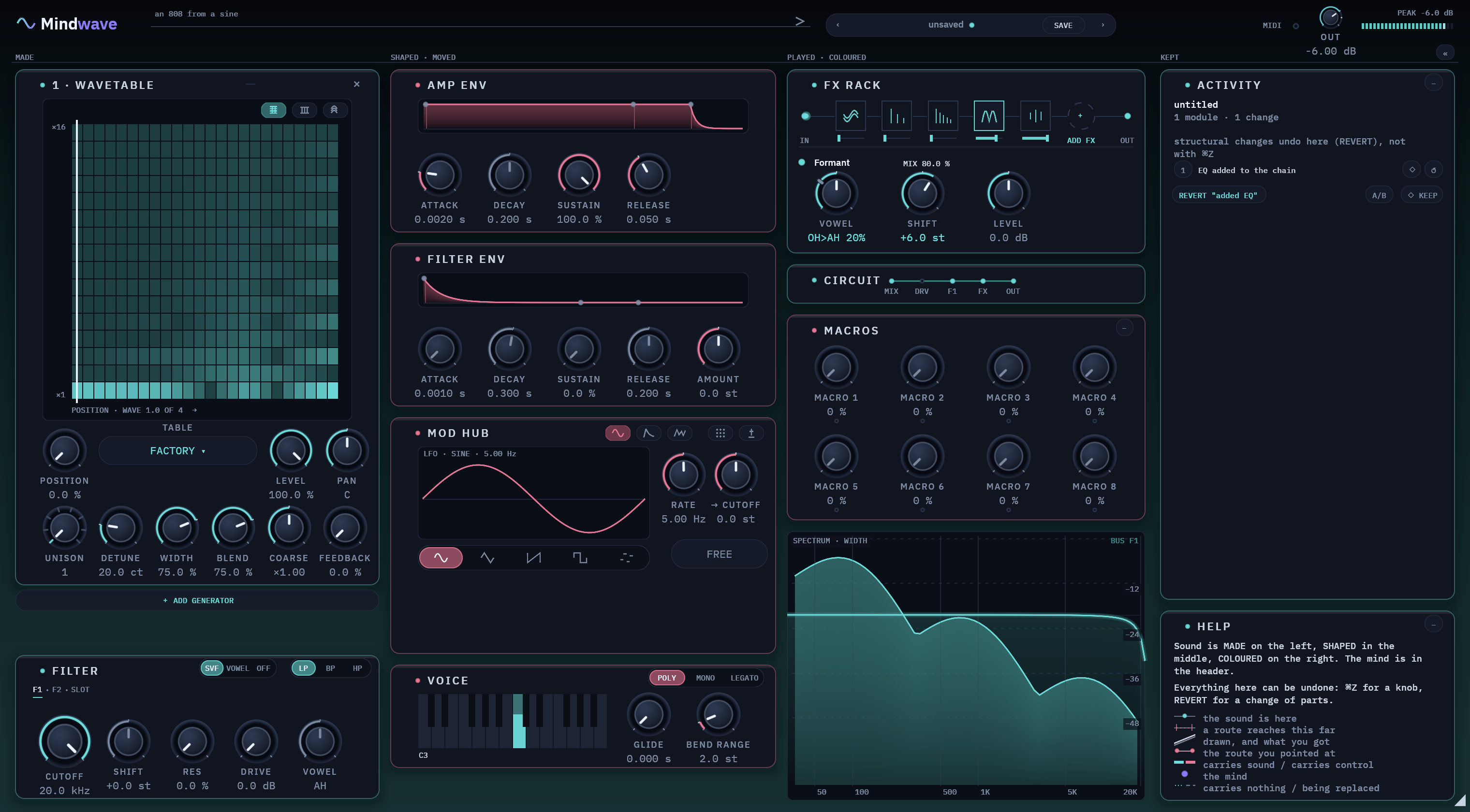
Warmth or grit
Four basic shapes, 18 more modes, and two curves you can draw yourself.
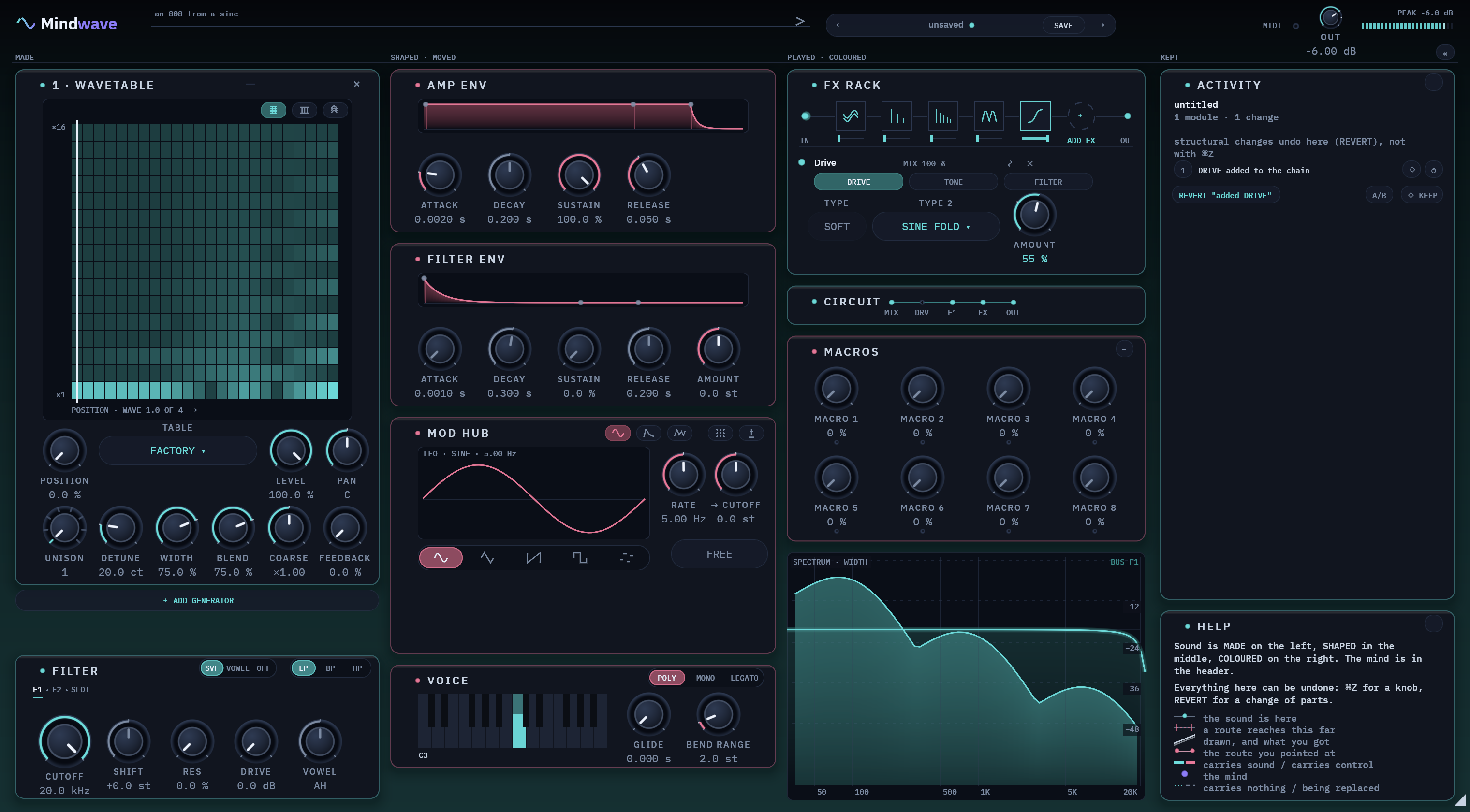
Rough, old digital
Lowers the bit depth and the sample rate, with a little jitter if you want it.
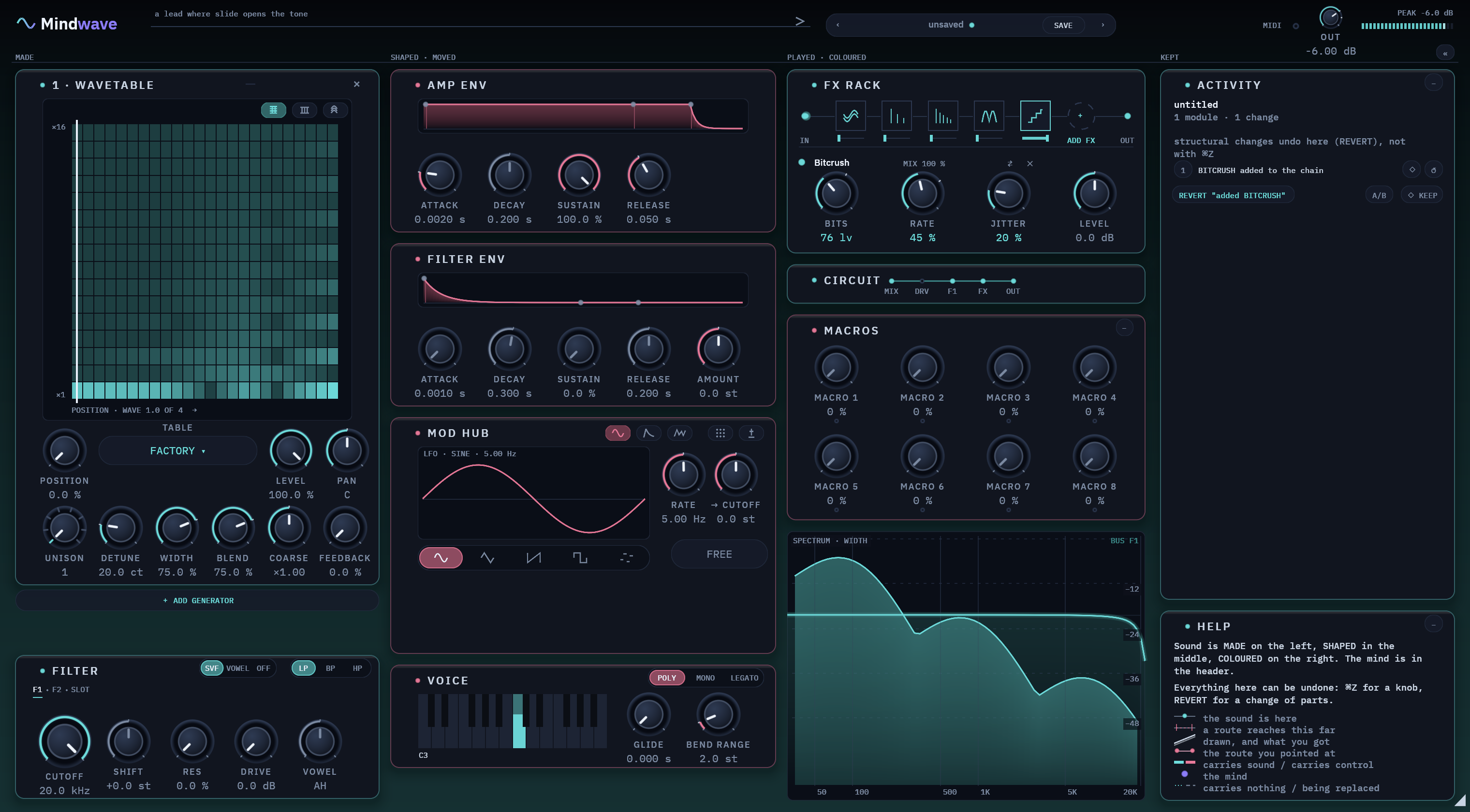
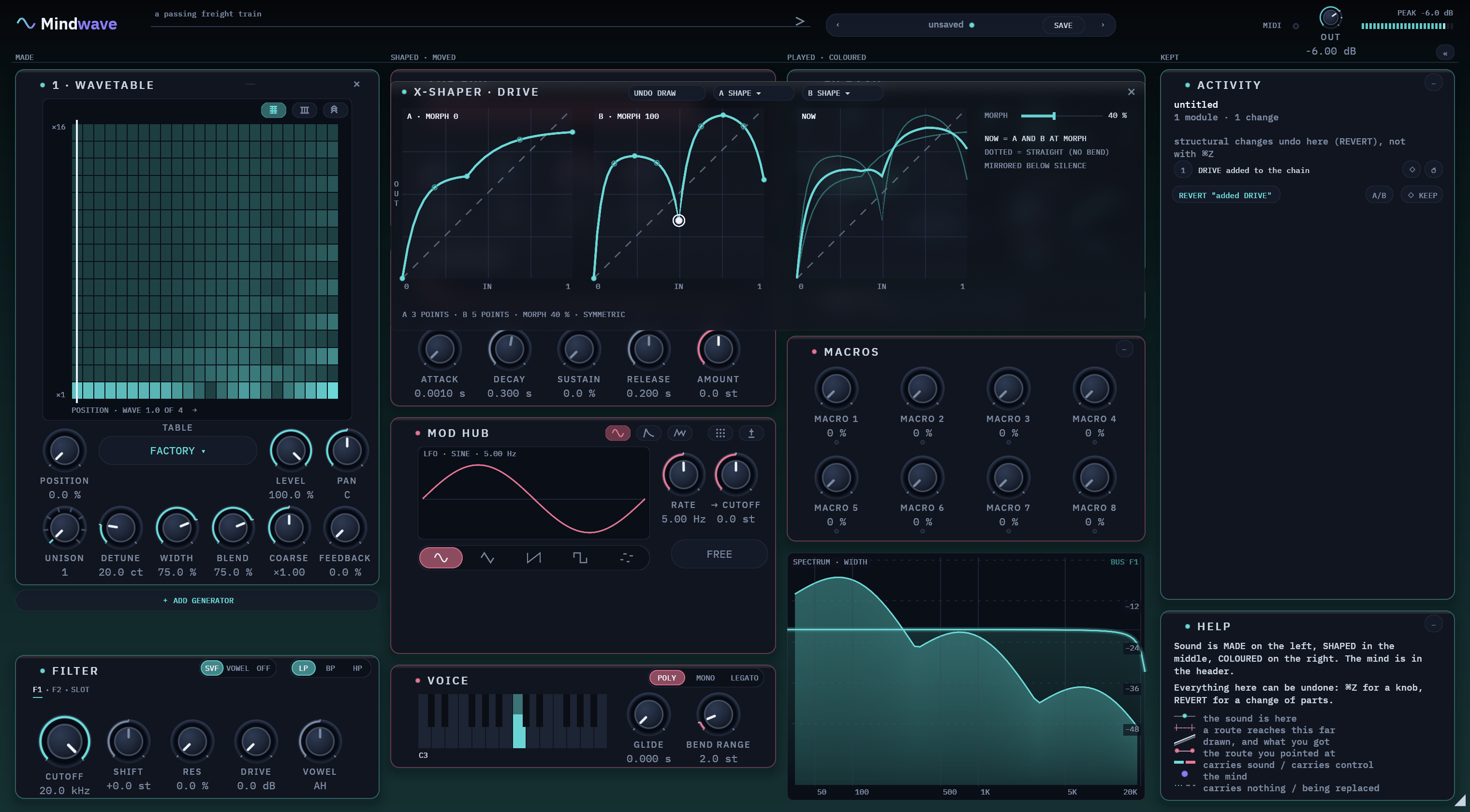
Three bands
A low shelf, a mid bell and a high shelf. The curve on screen shows exactly what it is doing.
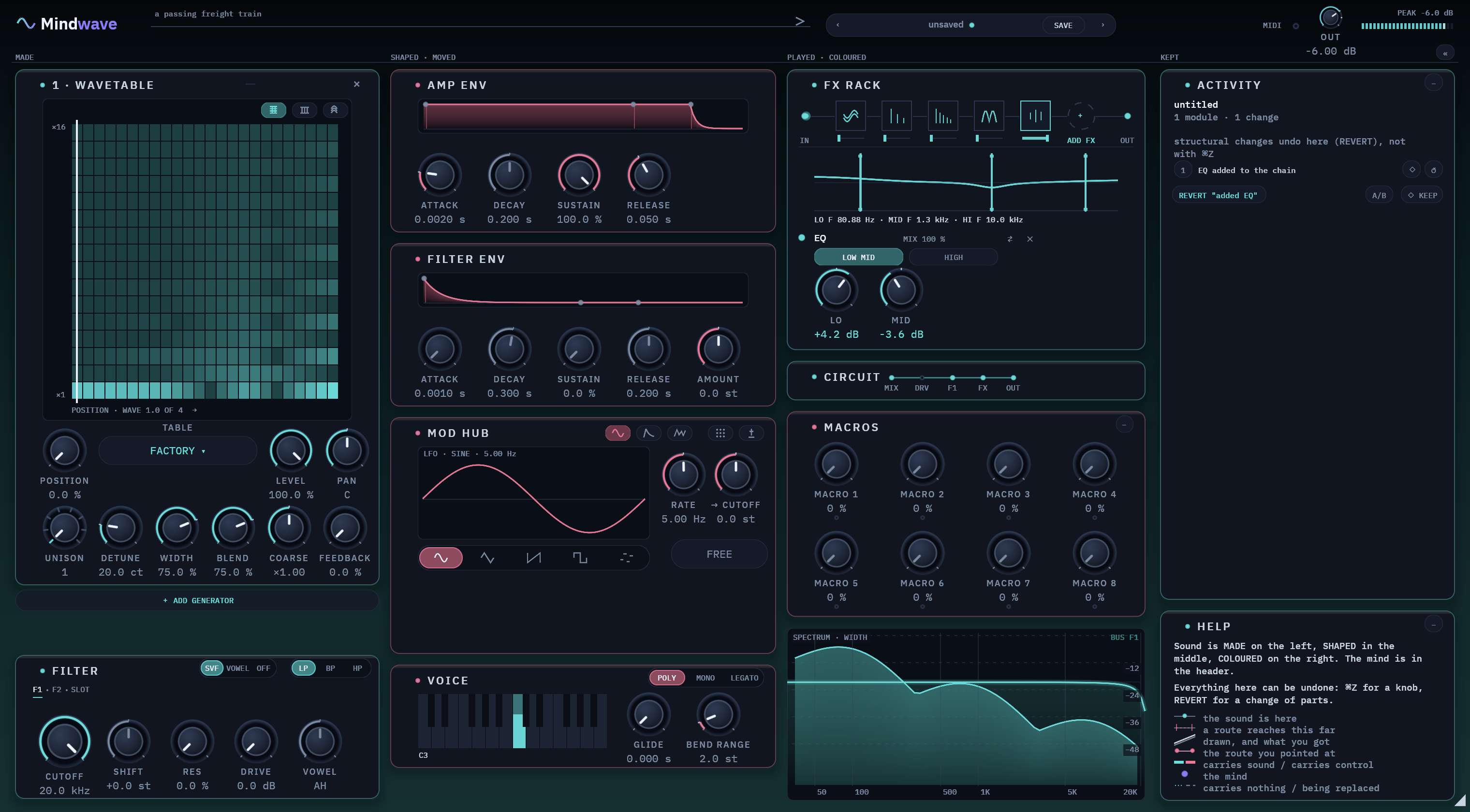
Evens out the level
Brings loud and quiet parts closer together. Left and right are linked, so the stereo picture stays put.
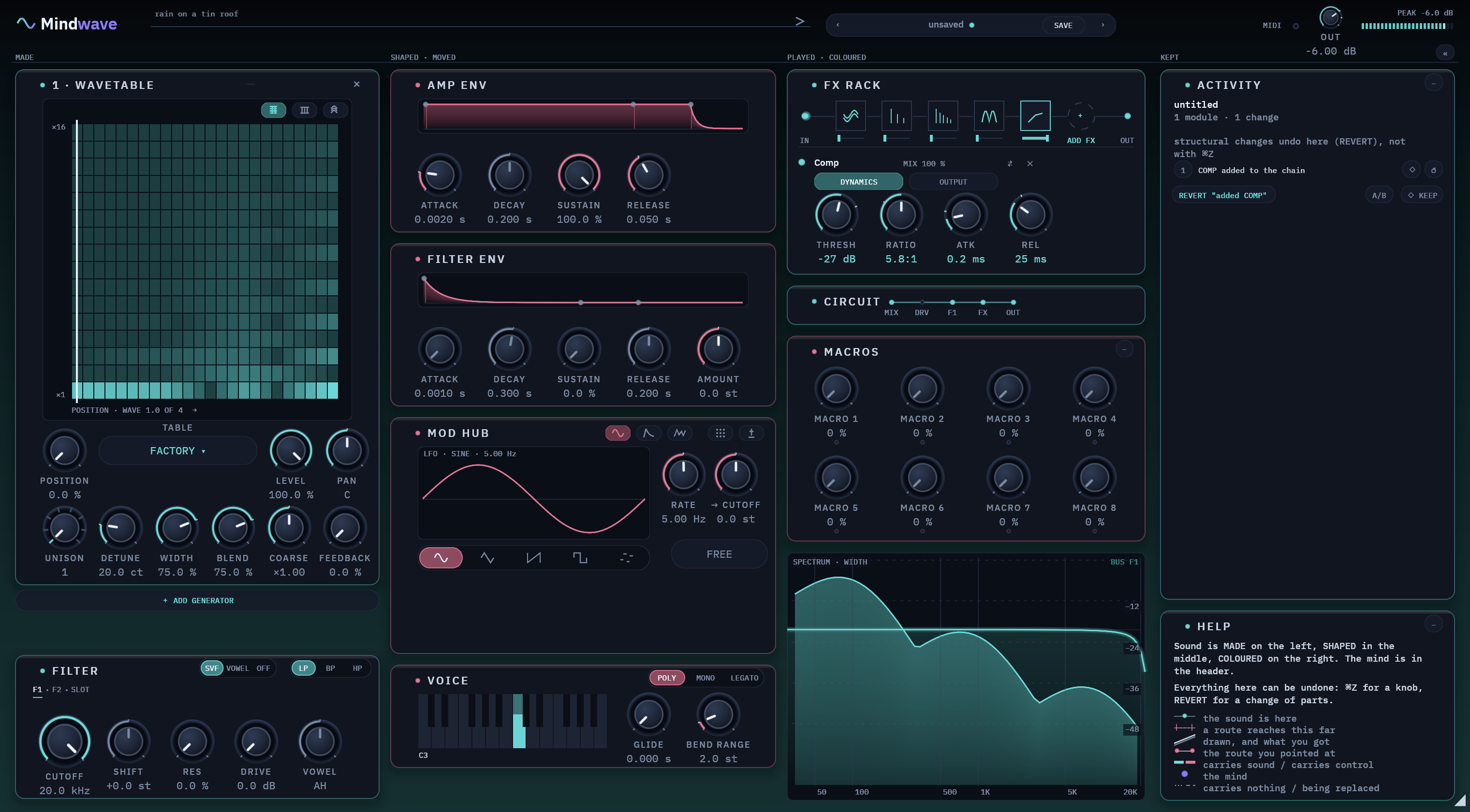
A vowel over the mix
Puts a vowel like AH over the whole sound. Shift it higher or lower to change its character.
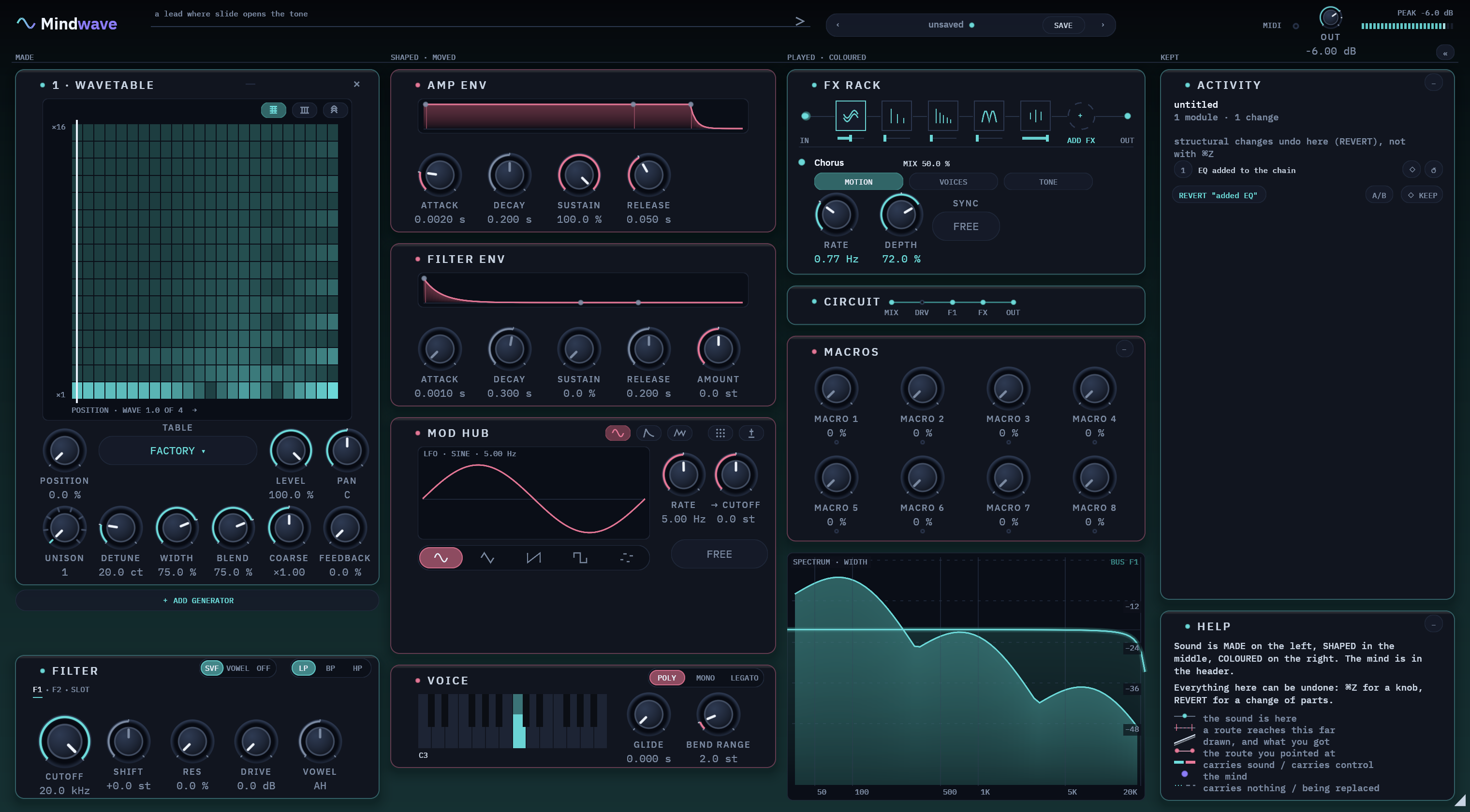
One voice becomes several
Up to two pairs of short, moving delays widen the sound. Free, or in time with your song.
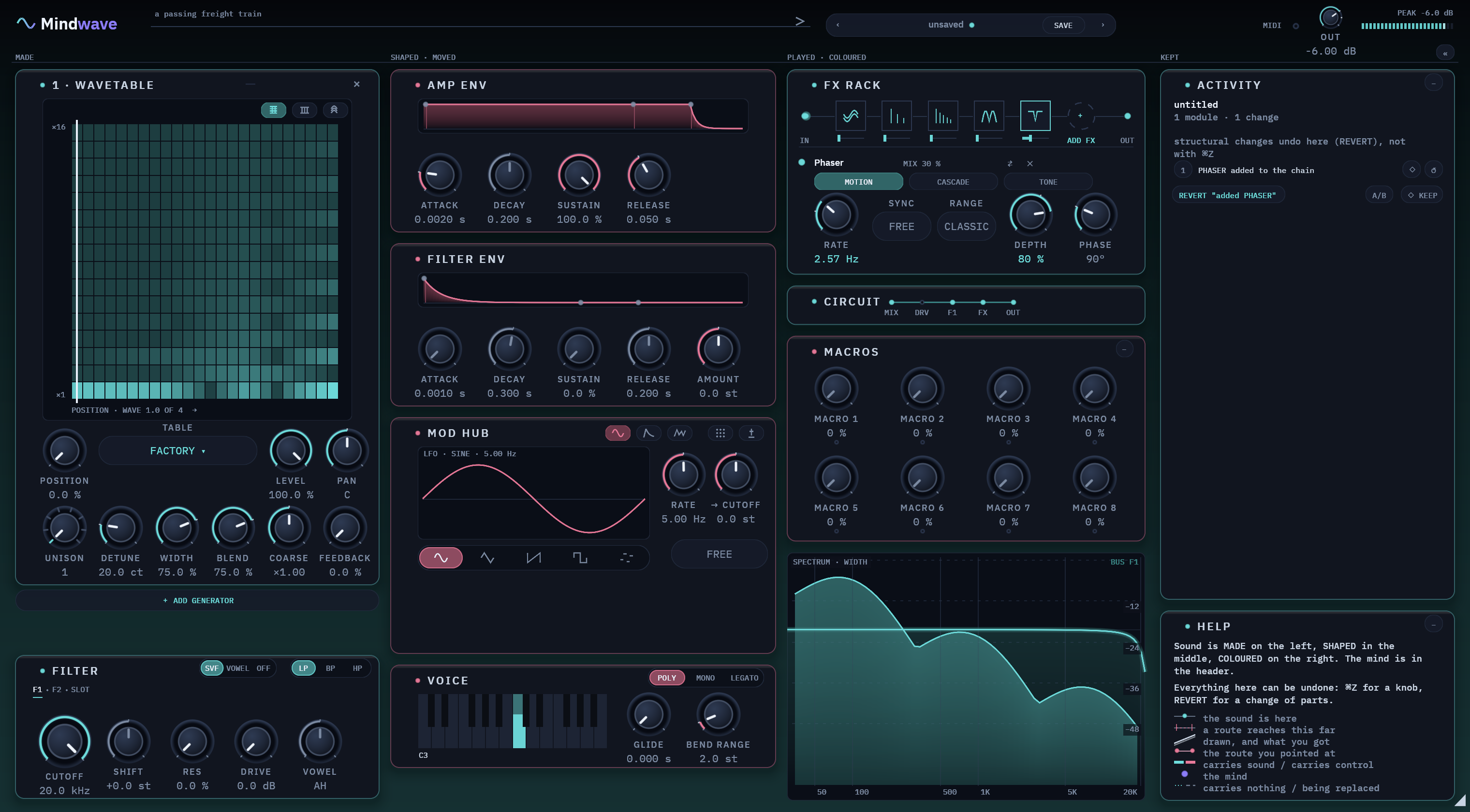
A sweeping swirl
From 1 to 18 notches sweep through the sound. Free, or in time with your song.
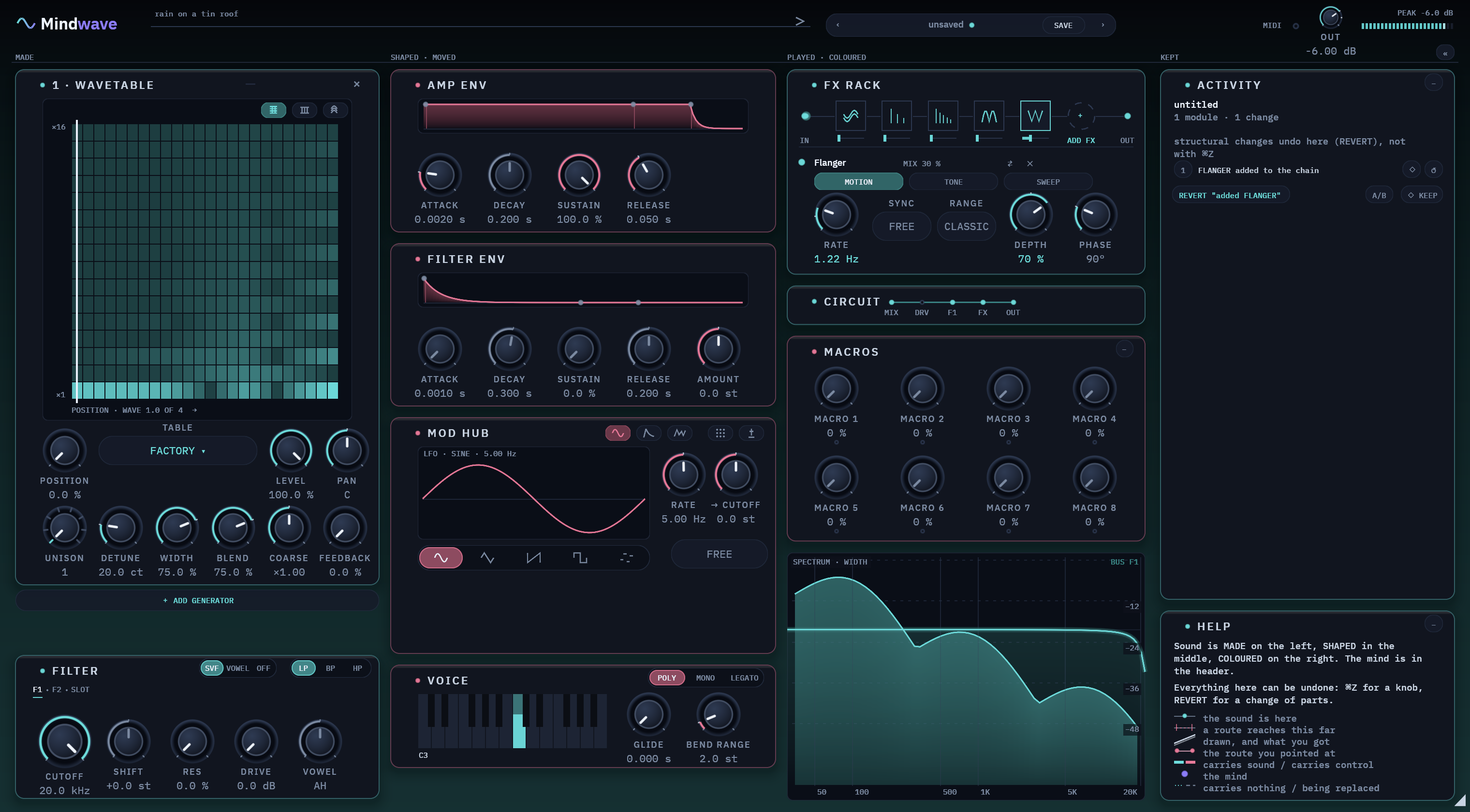
A jet-like sweep
A very short moving delay, with feedback for a sharper edge. Free, or in time with your song.
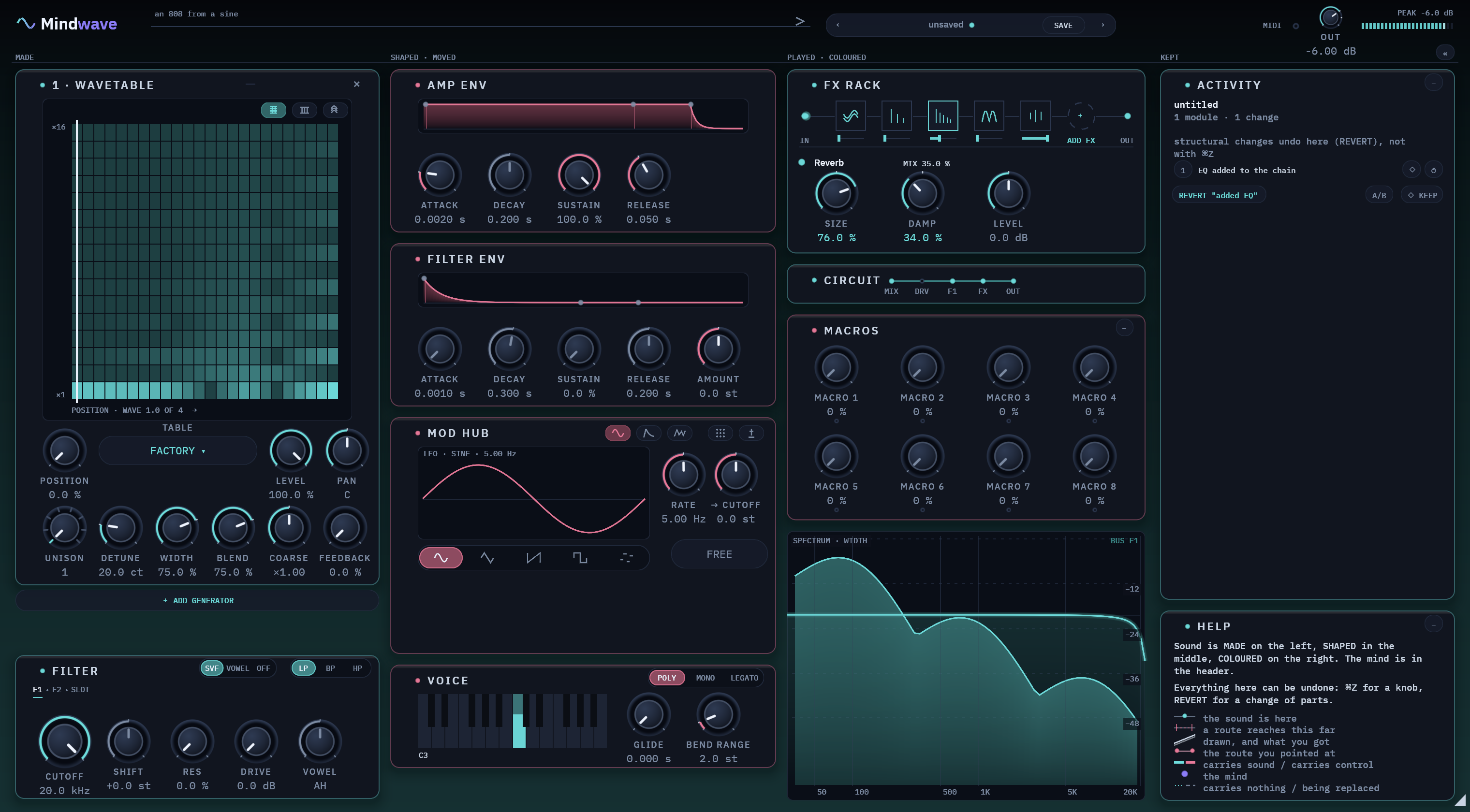
A room around the sound
One reverb, with size and damping.
Echoes in time
Straight or ping-pong, in time with your song, up to 5.4 seconds.
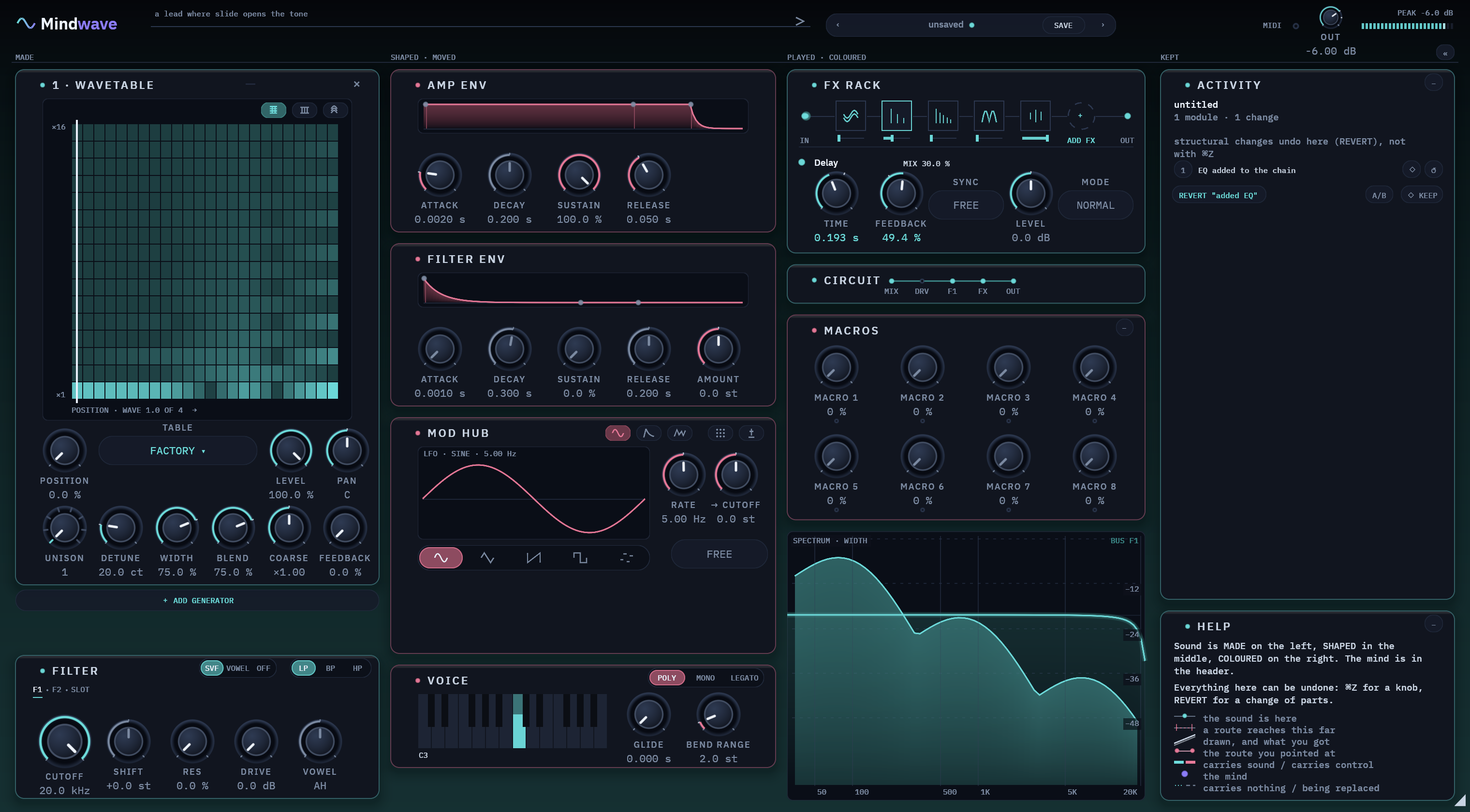
EFFECTS · Drive · Bitcrush · EQ · Comp · Formant · Chorus · Phaser · Flanger · Reverb · Delay
CHAIN · 4 always there · 4 free seats · one delay · drag to reorder · each effect has its own on/off switch
Ask for a change. Hear before and after. Keep the one you like.
warmer, less bite, let the tail breathe
The AI changed 3 things: the filter down a fifth, drive to 18 %, reverb mix to 30 %. You hear the change before you keep it, and REVERT undoes it in one click.
Help that explains what you point at. A history you can step back through.
The card at the bottom right. It describes whatever you point at, in the control's own units.
Says what it does
Point at a control and Help gives its name, what it does in plain words, and its value on a bar with the default marked.
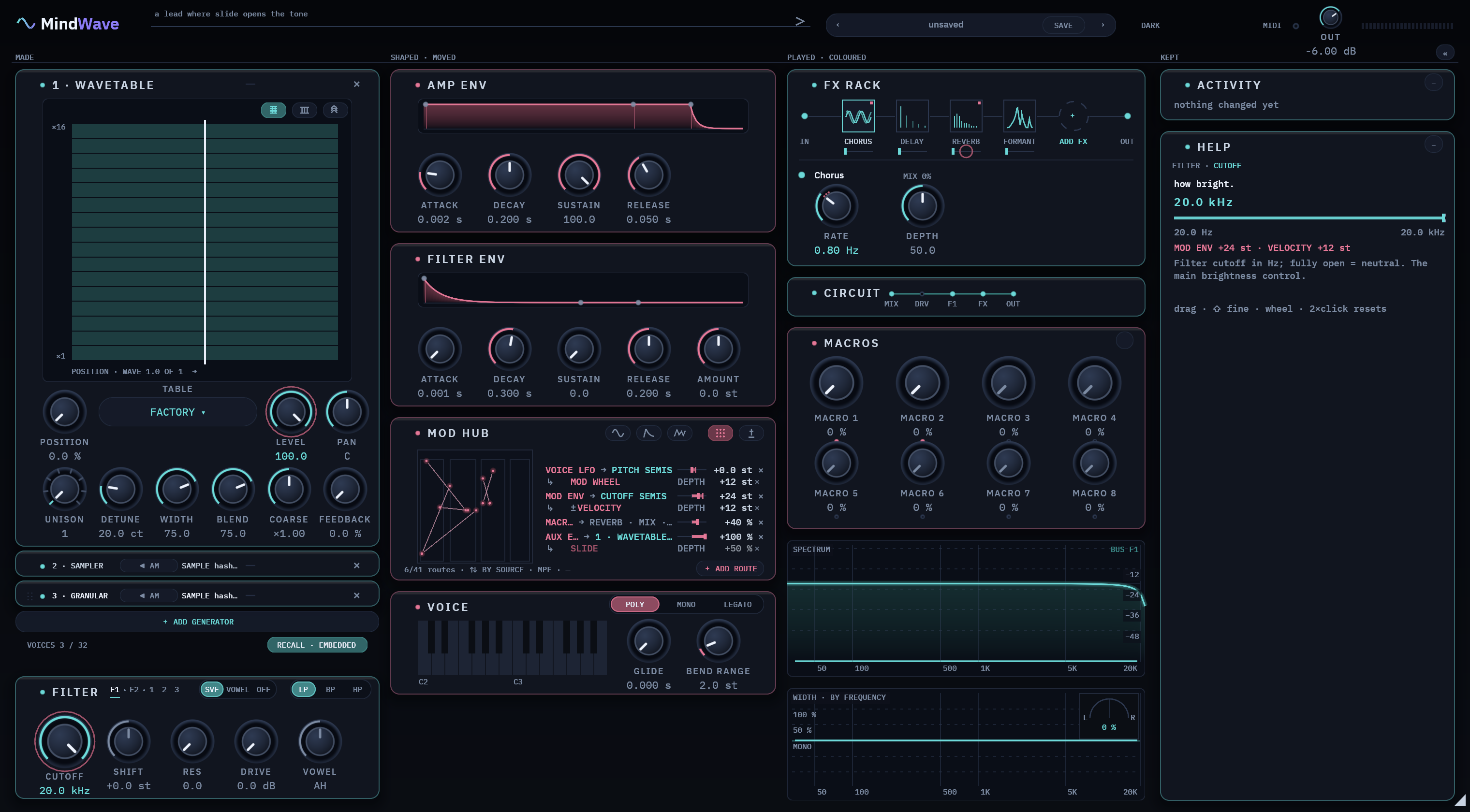
Shows what is moving it
A band shows how far its modulation reaches, a dot shows where the note is right now, and each route is named.
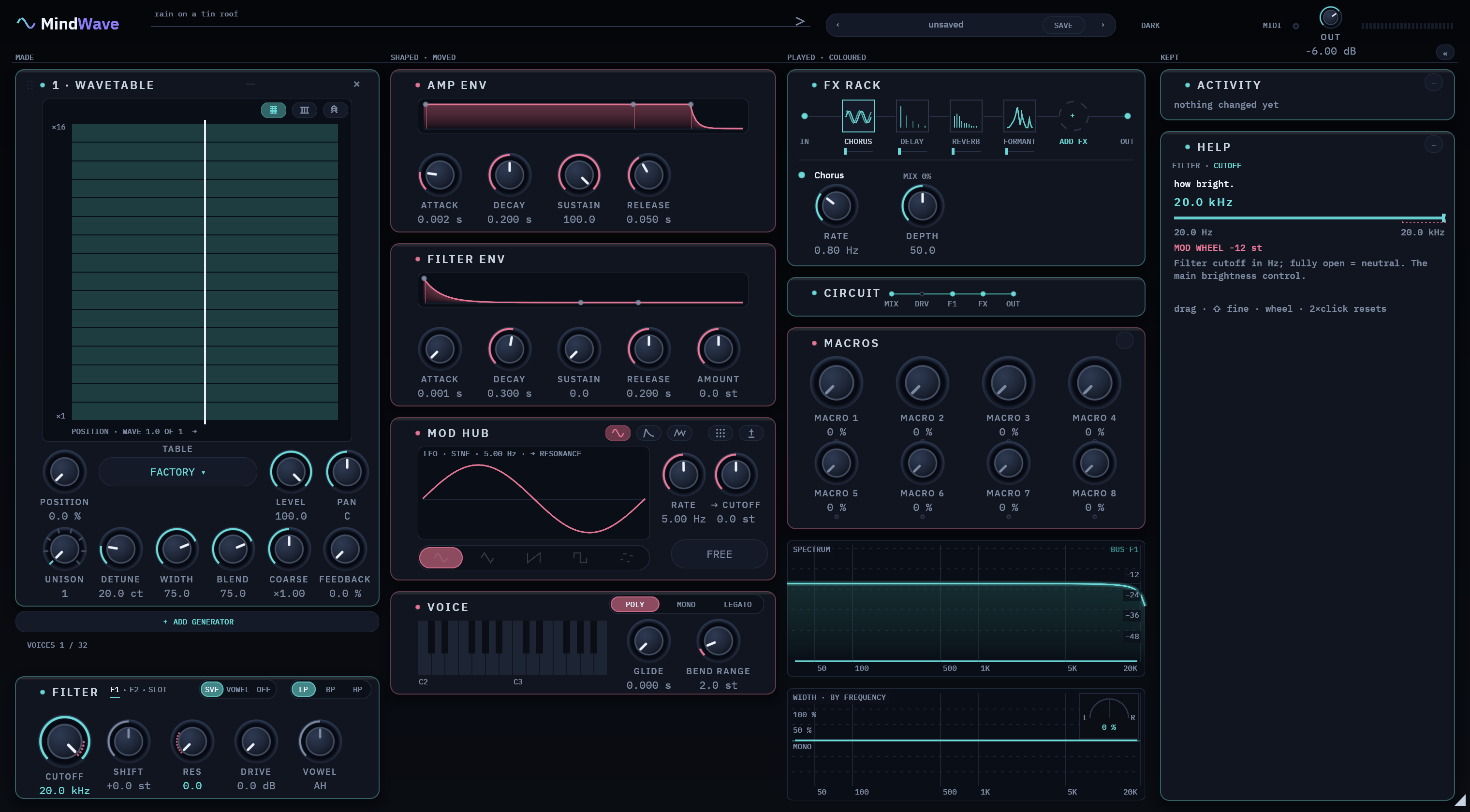
Explains the setting you're on
For a switch, Help explains what the current setting does.
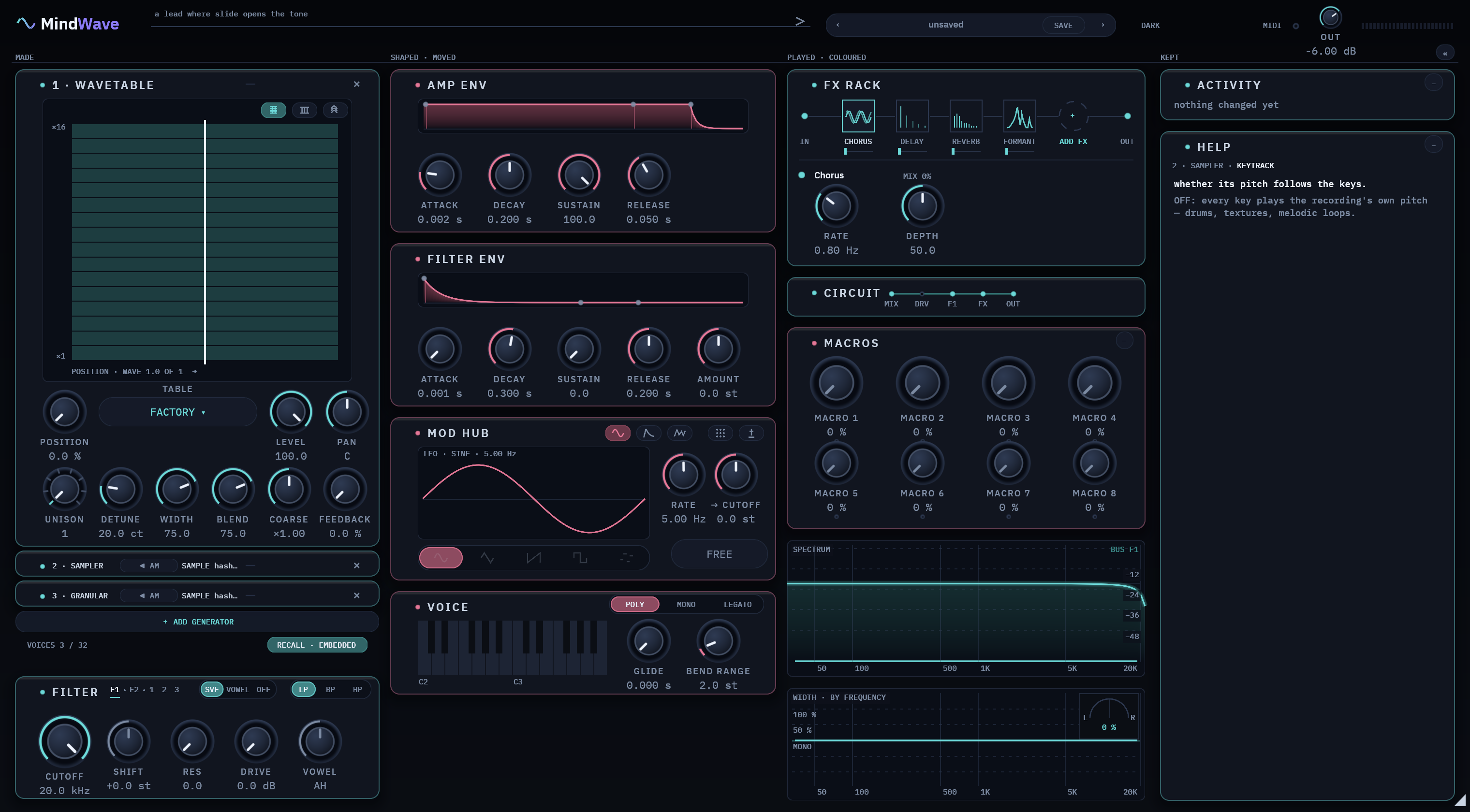
Remembers the last one
Move the mouse away and Help keeps showing the last control you touched, dimmed.
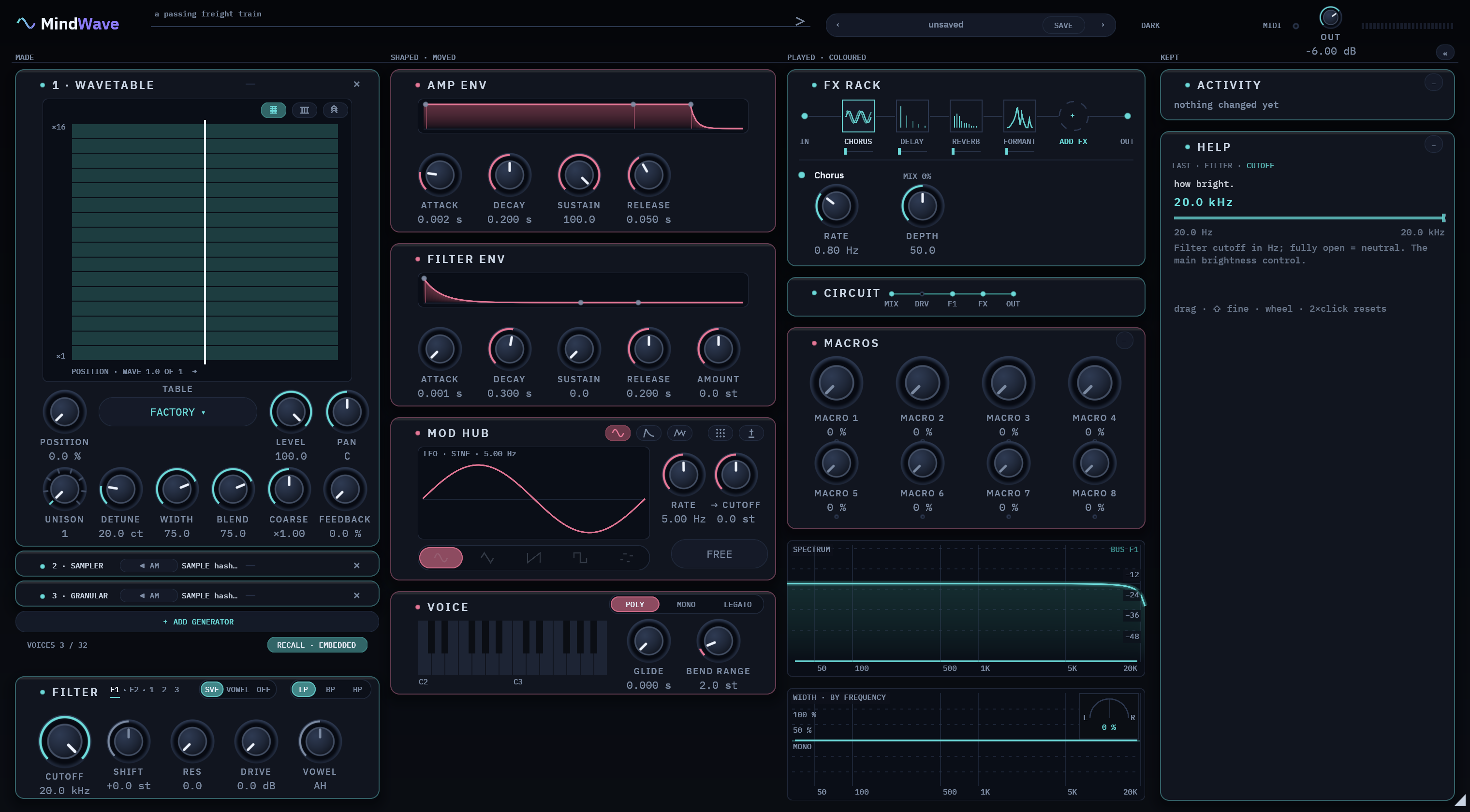
Teaches the marks
With nothing under the mouse, Help explains the colours and lines on the screen, and how to undo anything.
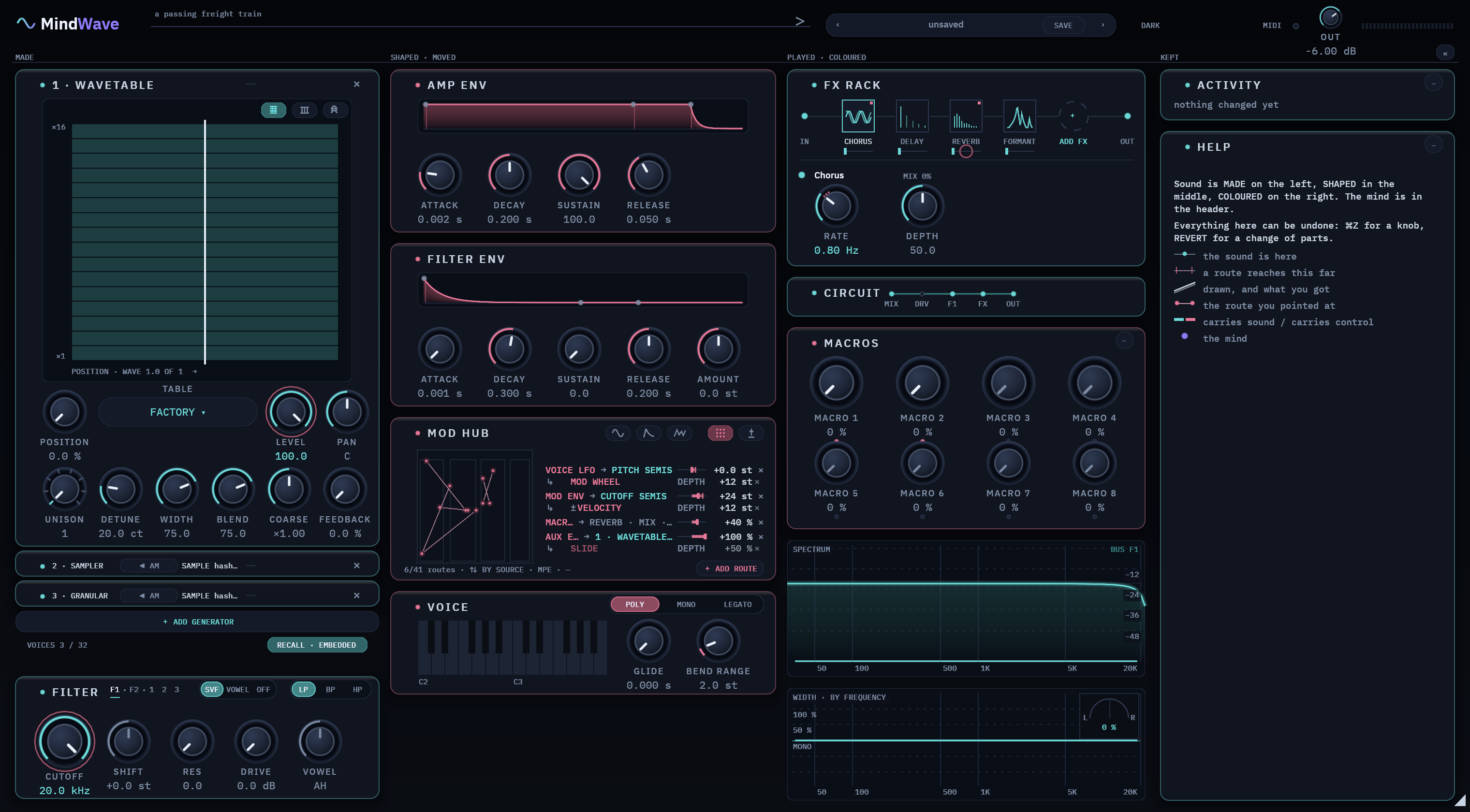
How much the patch holds
Point at the bottom of the rack to see how many slots, voices and routes the patch uses, and how big it is.
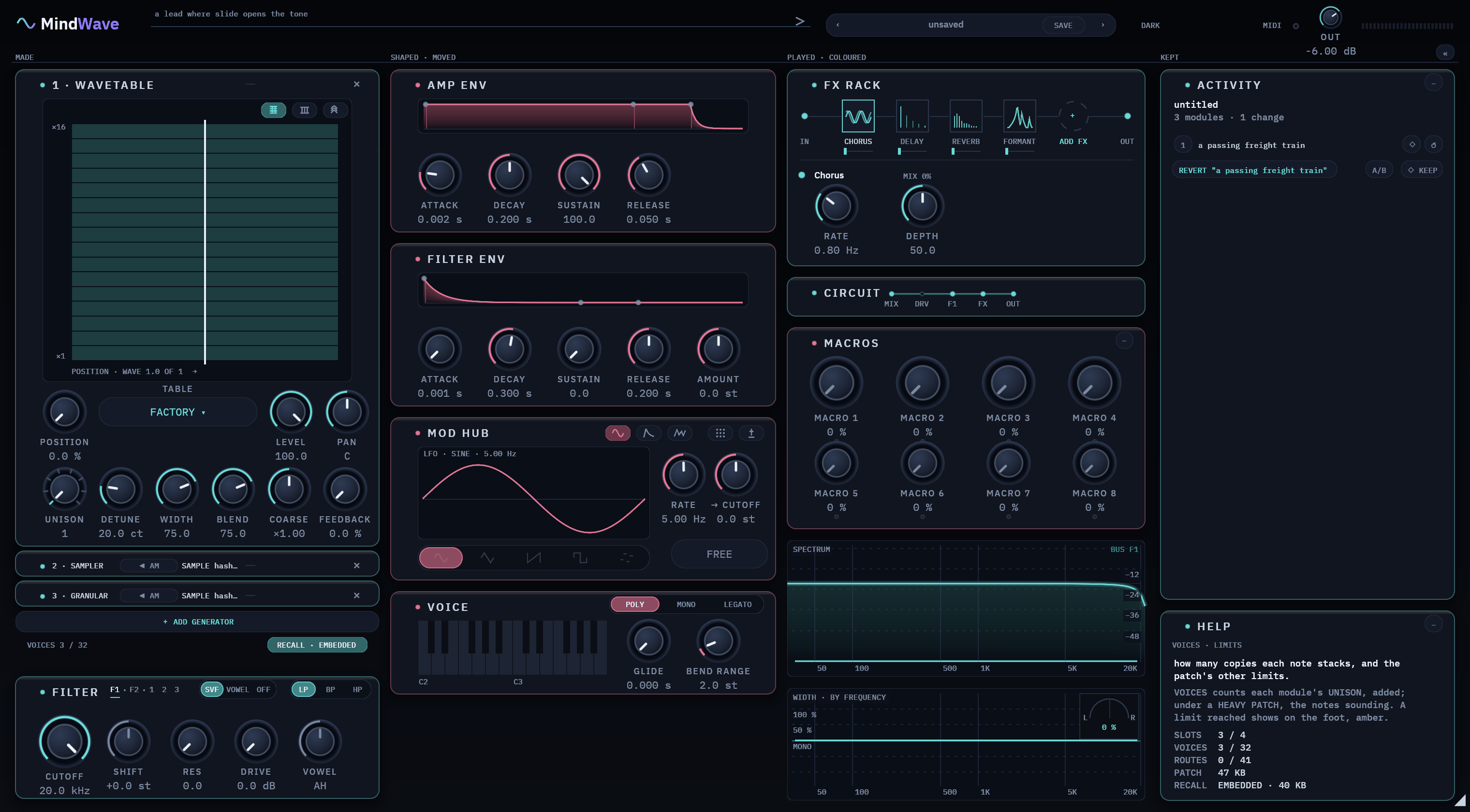
The card at the top right. It writes down what happens to the patch, and keeps checkpoints you can go back to.
What happened, in words
Loading a preset, importing a sample, applying a sound, saving: each one is a plain sentence, newest last.
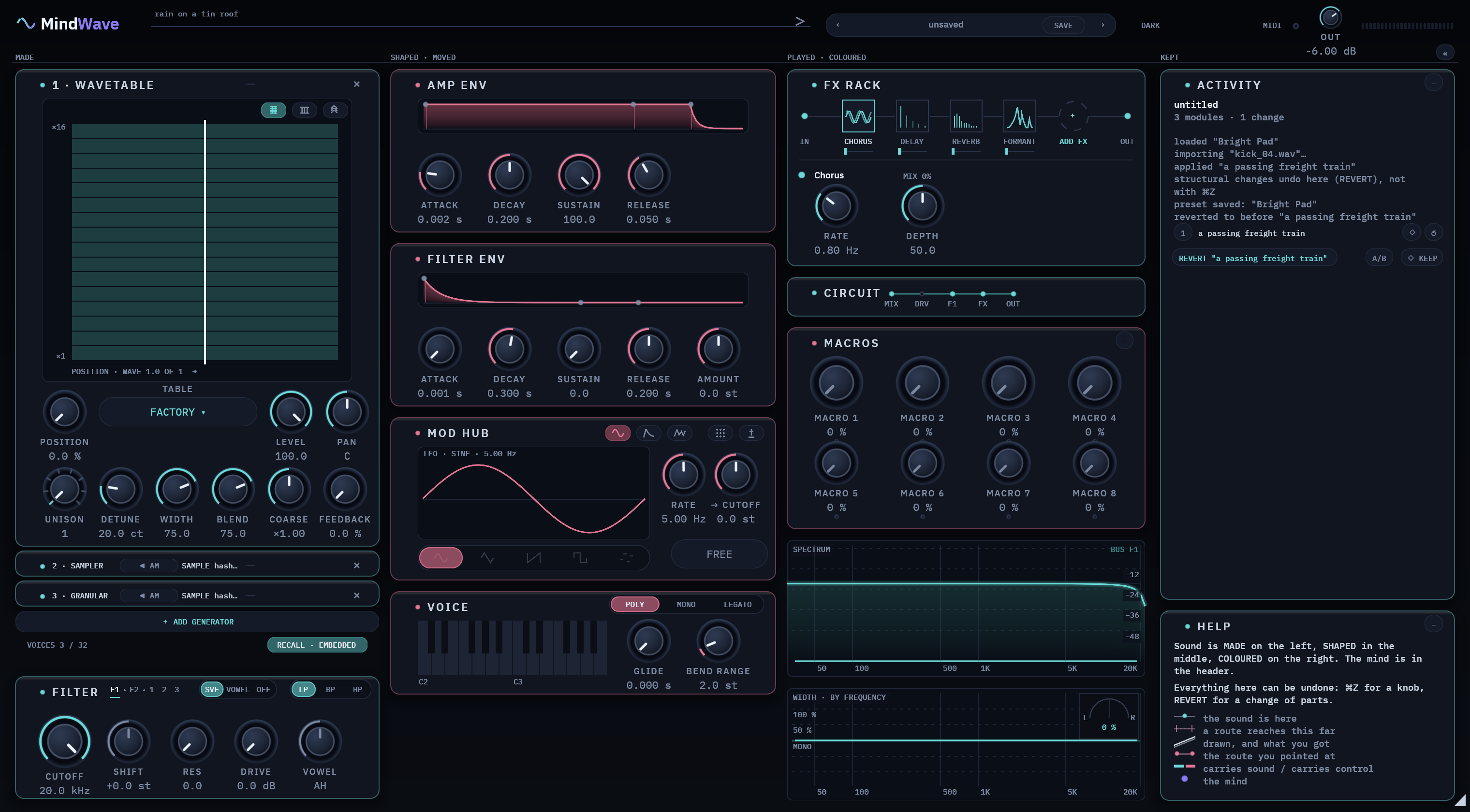
Up to sixteen steps back
Loading a preset, adding a module or applying a sound each becomes a numbered checkpoint. ↺ brings one back as a new step, so nothing is lost.
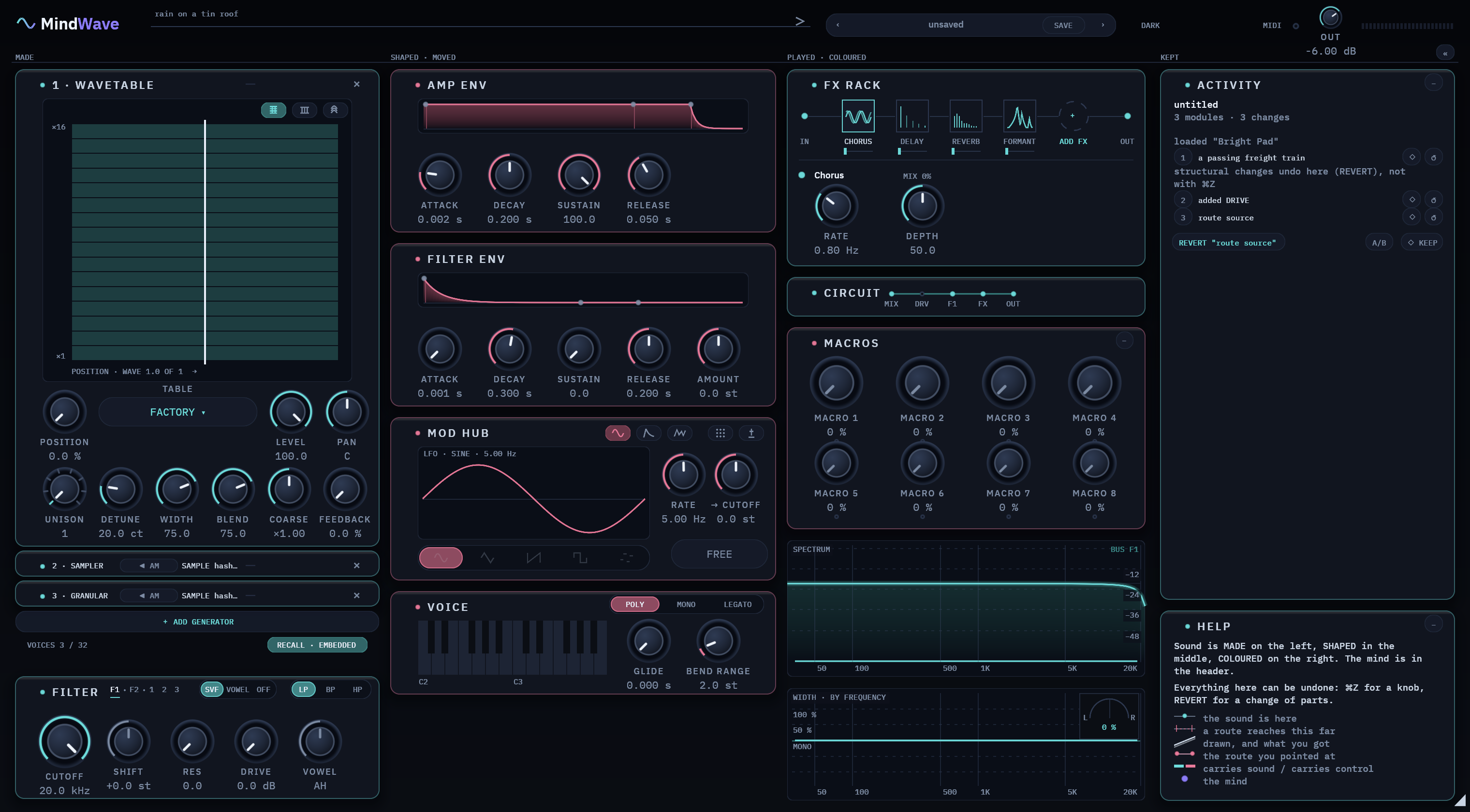
Hear it before you go back
Press a checkpoint's number to hear it without changing anything. BACK returns you to where you were.
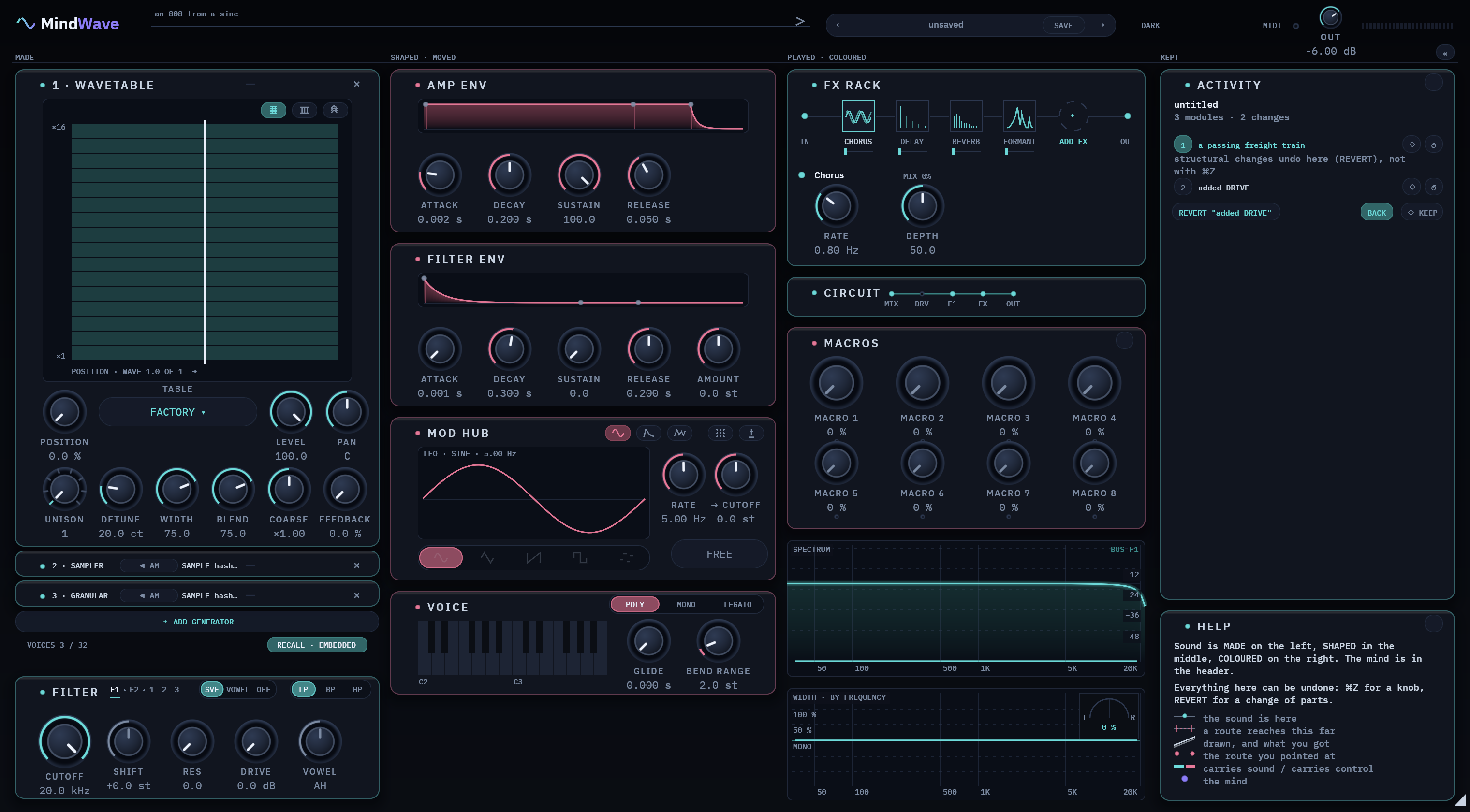
Undo a change of parts
Undo takes back a knob move. REVERT takes back a bigger change, like an added module, then offers REDO. A/B flips between the newest change and the one before.
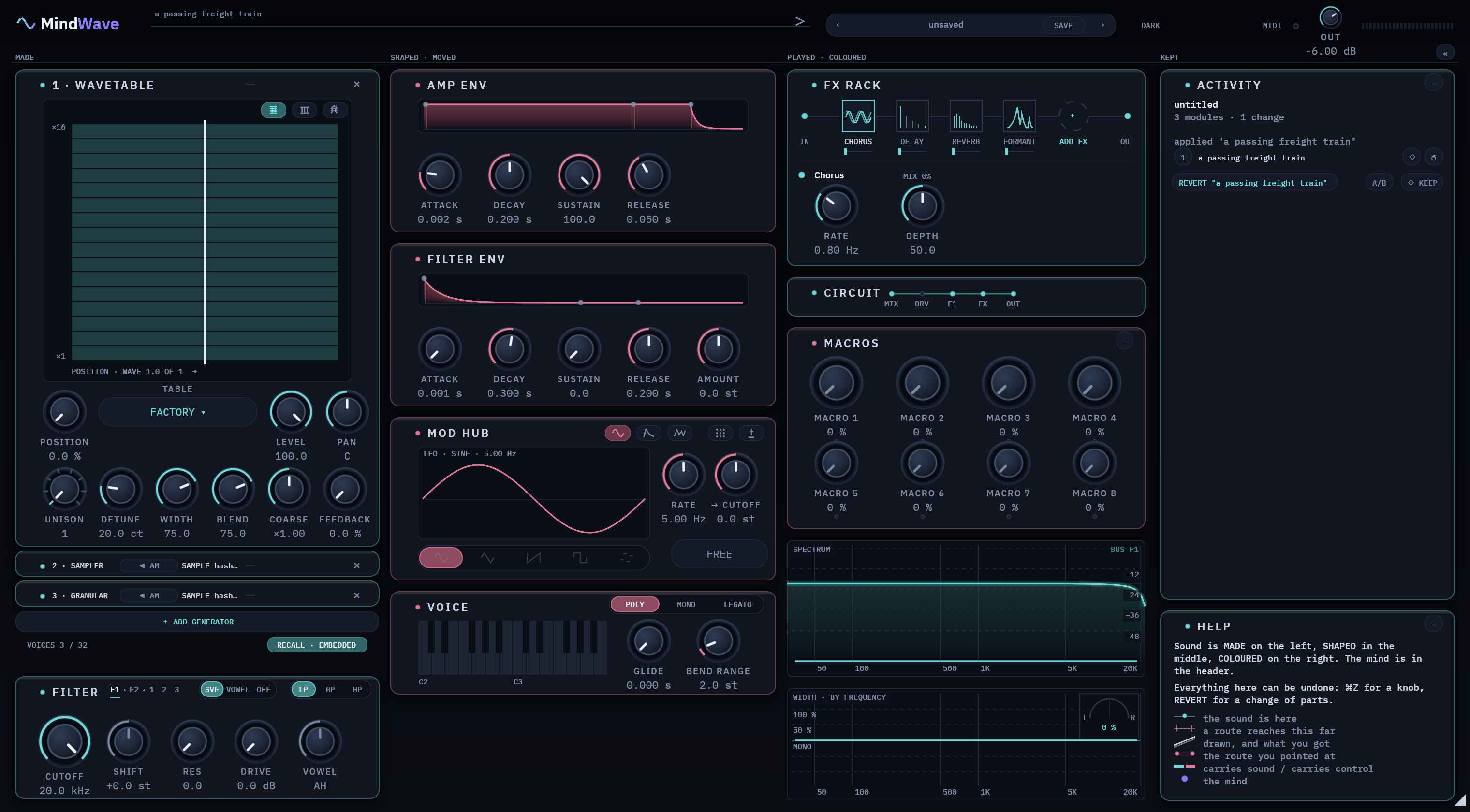
Hold on to the good ones
Mark up to eight checkpoints to keep. Kept ones are never trimmed away.
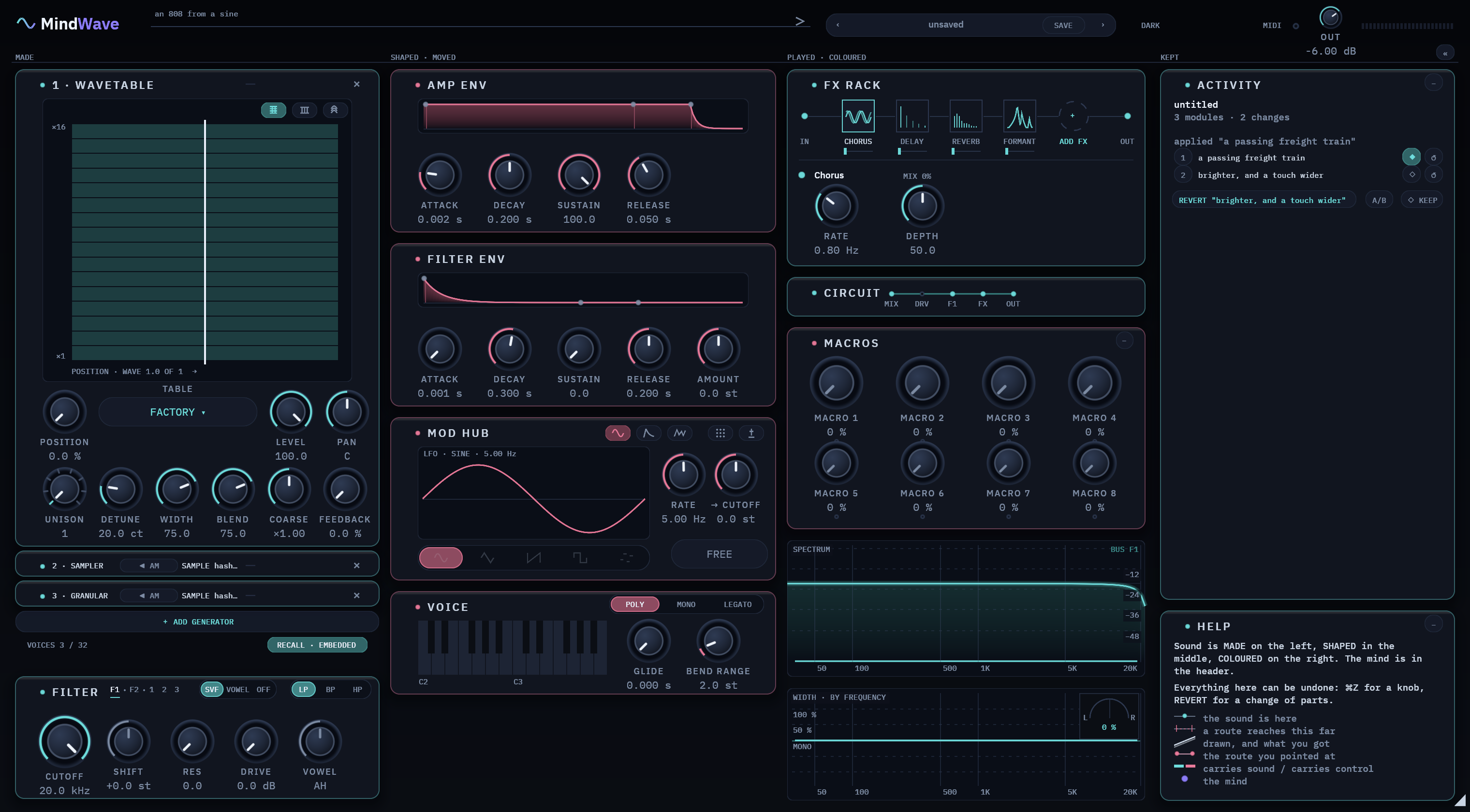
Still there tomorrow
The history is saved inside your project. Reopen it and the older checkpoints show how long ago they were made.
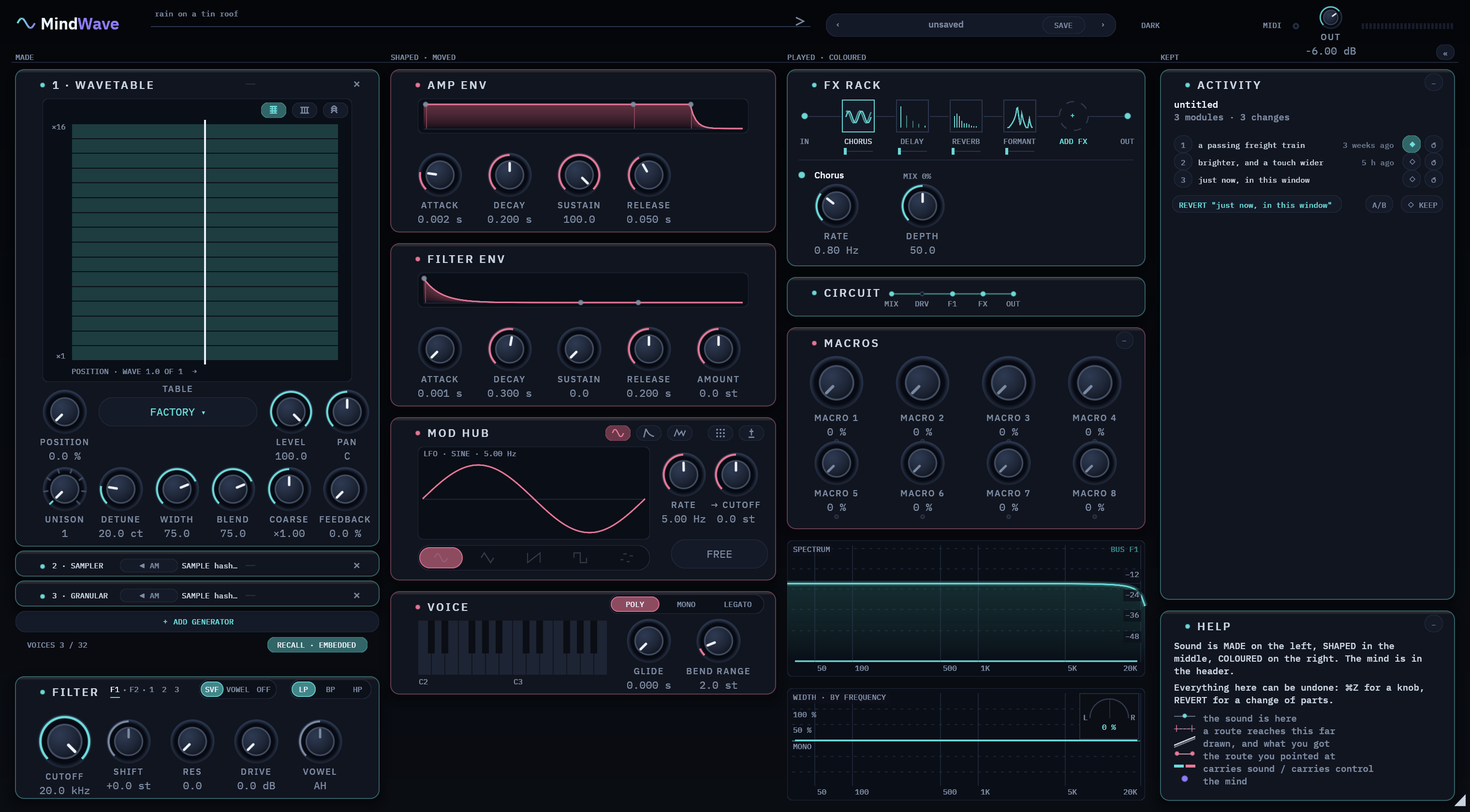
HELP · describes · shows what moves it · remembers · teaches the marks · shows the limits
ACTIVITY · the log · up to 16 checkpoints · hear one first · REVERT · REDO · A/B · keep 8 · saved with the project
BOTH · fold to one line when you want the room
Up close, at full resolution.
4 close-ups of the interface, cut from real screenshots at twice normal size. Each one comes with the design rule it follows.
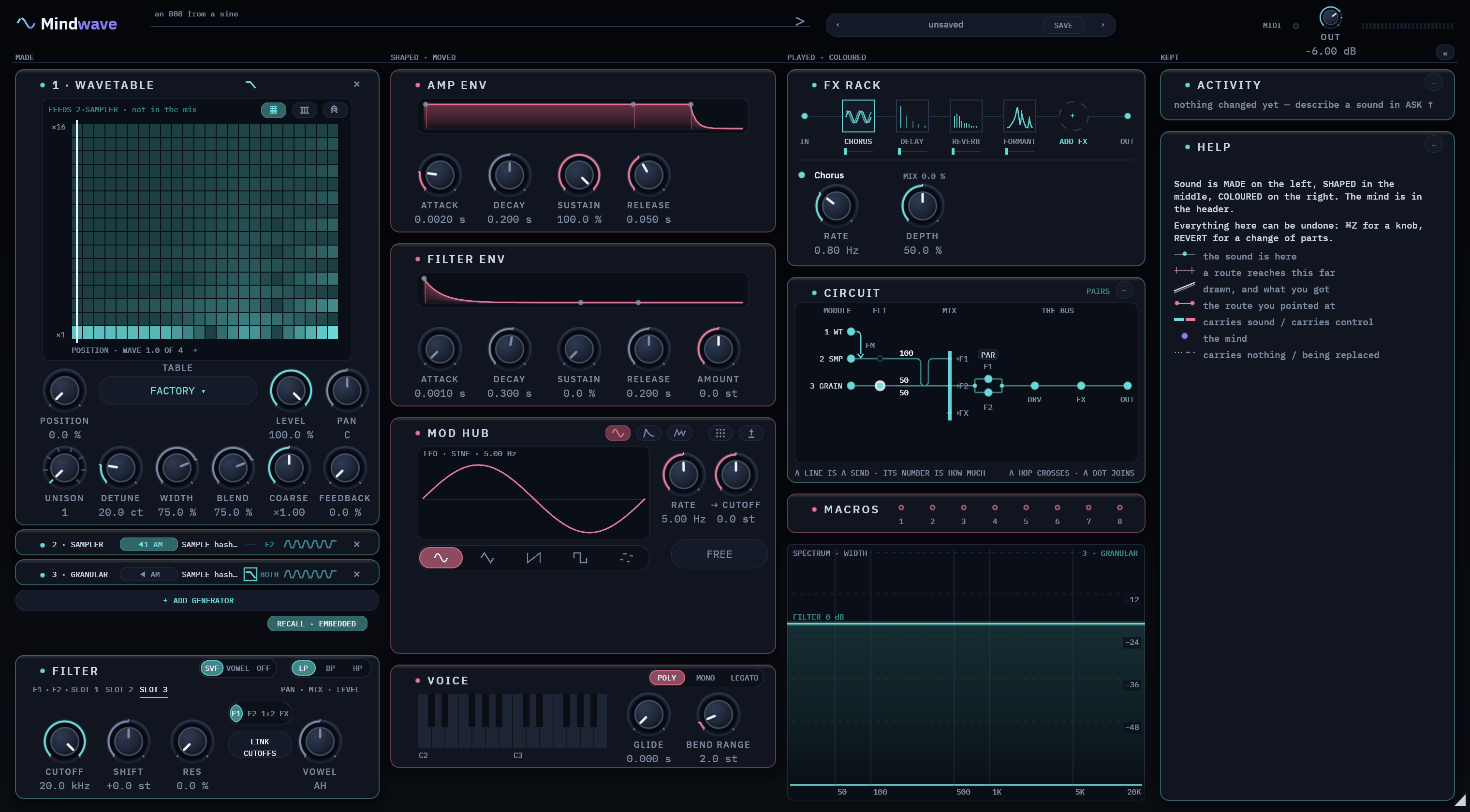
A few seconds of the real thing.
Screen recordings of the real plugin at 60 frames per second, in the theme you picked. Each clip is cropped to the part that moves, slowed down so it’s easy to follow, and plays only while it’s on screen.
Drawn like a video game. The sound never waits.
Mindwave is written in Rust and built for speed in two halves: your graphics card draws the window, and your processor makes the sound.
Drawn by your graphics card, frame by frame, like a game.
Drawn like a game
Every knob, wire and word comes from your graphics card: Metal on a Mac, Vulkan or DirectX 12 on Windows.
No web page inside
One GPU renderer draws the whole window, the AI panel too. No embedded browser, no second toolkit.
Smooth when it moves
Live displays and animations run at 60 frames a second.
Rests when nothing changes
Nothing changes, nothing is redrawn. Only the live displays keep moving.
No gaming card needed
Tested on a laptop's built-in Intel graphics (HD 630), not just a fast graphics card.
Made on your processor. The part that plays is kept apart from everything else.
The sound never waits
The audio has a thread of its own. Tests prove it never waits on a lock, asks for memory or reads the disk: the usual causes of clicks.
Heavy work on your other cores
Loading, building sounds, the AI and renders run on threads of their own, across your cores, so they never hold up the note you're playing.
Several values in one step
The engine uses your processor's vector instructions, on Apple silicon and Intel or AMD alike.
Light on memory
In most music software, every copy of Mindwave in a project shares one set of samples and wavetables.
A CPU limit for every engine
Each of the seven sound engines has a CPU ceiling. A change that goes over it never ships.
See what it costs
The header shows its CPU use live, as you play.
WINDOW · drawn by the GPU · Metal, Vulkan, DirectX 12 · 60 frames a second · redraws only what changes · one renderer
SOUND · its own real-time thread · no locks, no memory requests, no disk · heavy work across your cores · SIMD · a CPU limit per engine
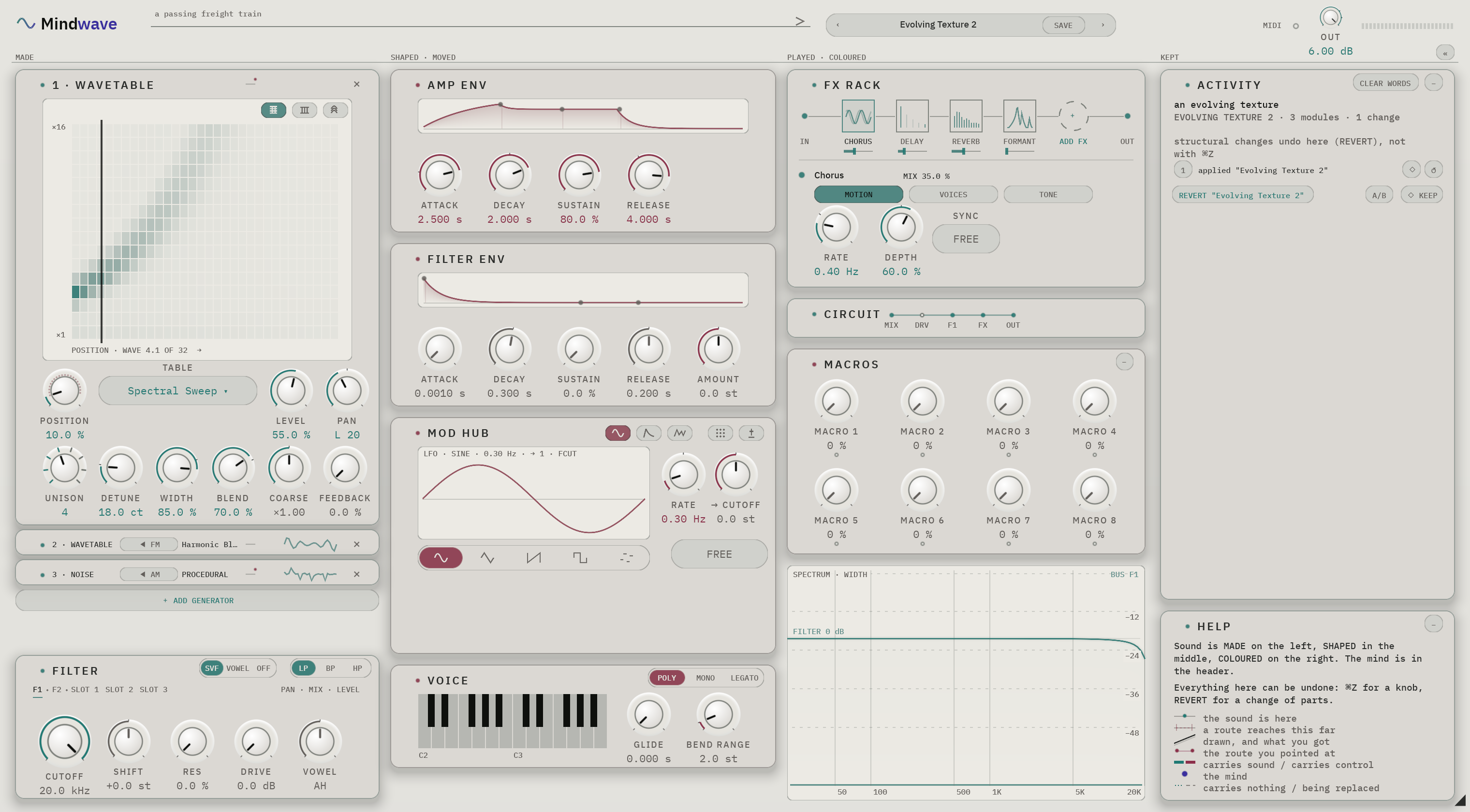
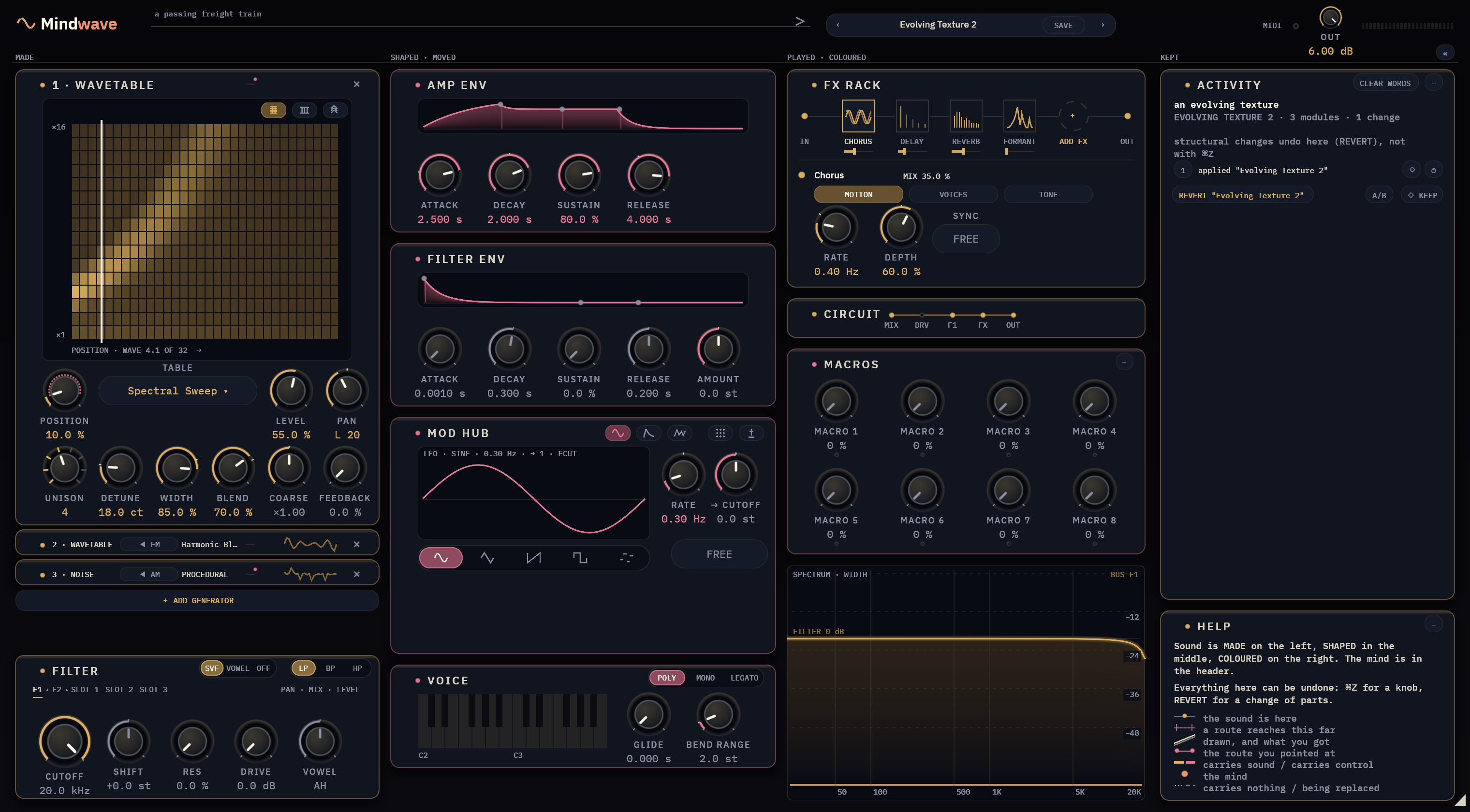
Paper, brass and dark. The colours mean the same in each.
In every theme, teal means sound, rose means your own changes, indigo means the AI, and amber means something needs your attention. Each picture below is a real screenshot of the plugin.
What you get, before you pay.
| Fact | Trial | License |
|---|---|---|
| What you get | The full version, with every engine. Your first 20 AI requests are free. After that, the AI uses prepaid credits (see below). | The same download, unlocked by a license file, with 300 AI credits included. One credit is one AI request. |
| The catch | The full version for 14 days, then a short burst of noise about every 30 seconds. Saved projects always open. | None |
| Account | Not needed to play. You need one the first time you use the AI. | Your email address, so we can send your key. Your AI credits are kept on the same account. |
| Computers | Any | 3. Activate once, then it works offline. Deactivate one to move to another computer. |
| Updates | Always the latest trial version | Every update is included. |
| If we shut down | Your license file keeps working forever. Making sound never needs our servers. | |
| AI costs | Your first 20 AI requests are free. A license comes with 300 AI credits, and each AI request uses one. You can buy more in prepaid packs. All of these start when the AI feature launches. You don't need your own AI key or a subscription, and Mindwave plays without credits. | |
Before you download
- A Mac with Apple silicon, macOS 11 or later. A 64-bit (x64) Windows PC, Windows 10 or later. No Intel Mac, no Linux.
- The Windows installer is not code-signed yet, so Windows SmartScreen shows a warning before it runs. Click More info, then Run anyway.
- Any music software that loads VST3, AU or CLAP plugins (AU is Mac only), such as Logic Pro, Ableton Live, Bitwig Studio, Cubase, FL Studio, Reaper, Studio One. So far we have tested it in Ableton Live 12. No AAX, so it doesn't work in Pro Tools. There is no standalone app.
- Making sound never needs the internet. The AI does, and asks you to create an account the first time you use it. Your first 20 AI requests are free. After that, the AI uses prepaid credits, and you never need them to play.
- The trial is the full version for 14 days. After that, it plays a short burst of noise about every 30 seconds until you add a license. Every saved project still opens.
Every version, with its date and what changed.
NOT RELEASED YET
the first version will appear here, with its date, when it is released

COMPATIBILITY
  macOS 11 Big Sur and later, Apple silicon         (the oldest version it runs on)
  Windows 10 and later, x64                         (the oldest version it runs on)
  formats: VST3 · AU · CLAP                         (AU is Mac only, for Logic)
  works in: any music software with VST3, AU, CLAP  (Logic Pro, Live, Bitwig, Cubase …)
  tested in: Ableton Live 12                        (more, with dates, as we test them)
  sample rates: 44.1 to 192 kHz, with any buffer size
  exporting: the same sound as playing live, bit for bit
  latency: none, and it tells your music software so
  updates: a fix never changes how a saved sound plays
           a feature update only adds new things
The releases page lists every version and exactly which systems are supported.